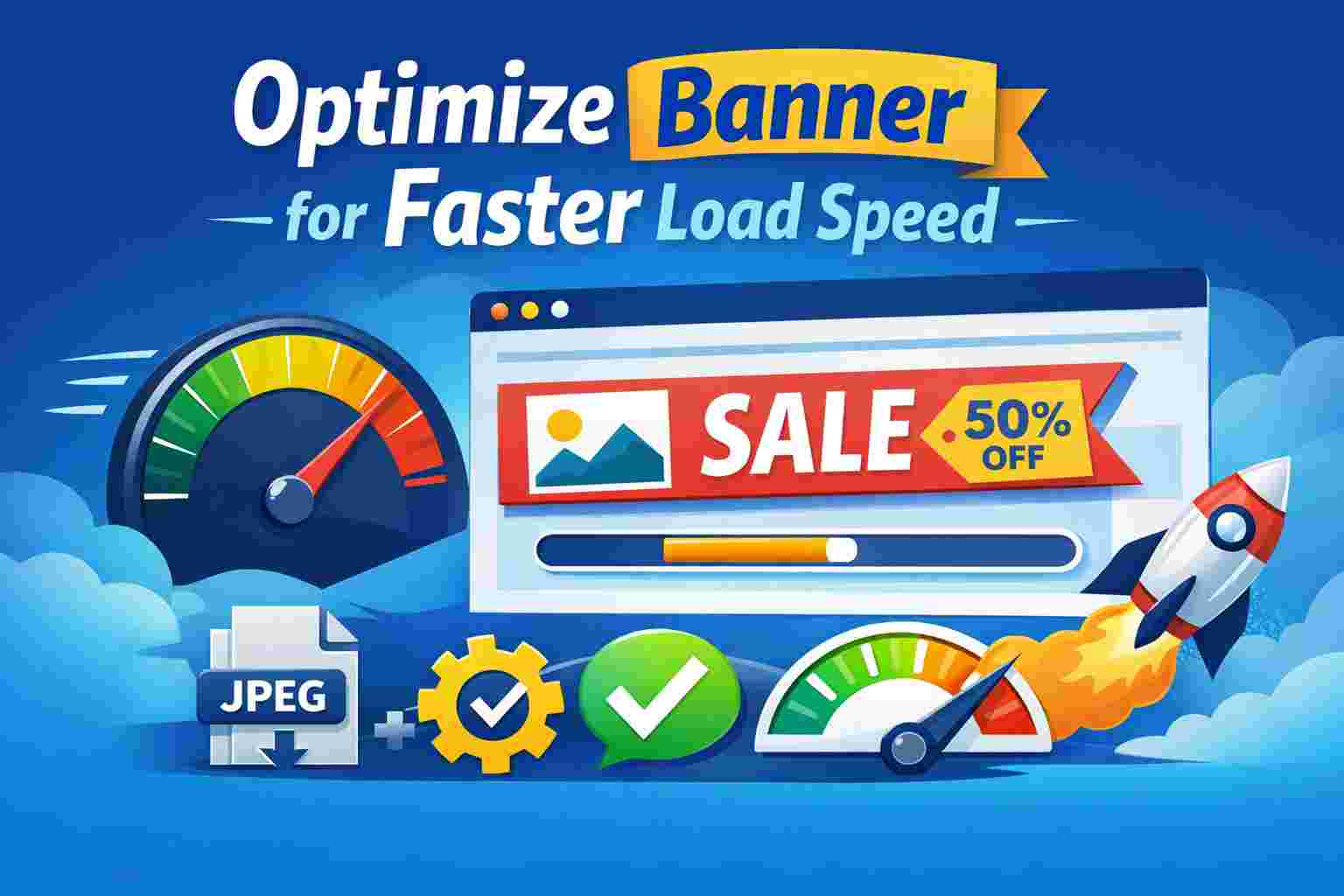
Banner images often load before anything else on a website page. This is why using an optimized banner design for website speed is necessary if your site feels slow.
Visitors judge performance in seconds, and banners shape that first impression right away. Large or poorly prepared banners also slow pages to a crawl, increasing load times and raising bounce rates.
This guide focuses on keeping banners attractive while protecting loading speed. You’ll learn how to balance visuals and performance so your site stays fast without losing style.
If your webpages take too long to load, here are some optimized banner design for website speed tips you should try out.
Choosing the correct file format plays a major role in optimized banner design for website speed. JPEG works well for photos with many colors, but often adds extra weight when the quality stays high.
PNG handles transparency better, but it usually creates larger files that slow down pages. SVG works best for icons and simple graphics because it scales cleanly and stays small.
There’s WebP, which stands out for banners because it keeps image quality while shrinking file size far more than older formats. It’s currently the best format since modern browsers handle it well.
Here’s an illustration showing the sizes of each format.
Image compression trims unnecessary data while keeping banners sharp and clear. You can use tools like TinyPNG, ImageOptim, and Squoosh to remove excess information that users never see.
However, over-compression creates blur and color banding. This hurts design quality, especially on websites like travel blogs, which rely on clear images. Therefore, stick to compression tools that handle the work well.
You can test different options until you find a tool that balances image sharpness and fast loading.
Responsive images make sure each device used to access your website displays the right banner size. It fits perfectly with optimized banner design for website speed because it removes wasted pixels and unneeded data.
Large desktop screens usually get high-quality images, while phones receive smaller files. A universal online banner creator can help you optimize banners that prevent mobile users from loading oversized banners meant for wide displays.
Responsive banners also keep layouts stable across devices. When each screen gets a properly sized image, users enjoy faster loading without losing visual quality.
Banner dimensions should match how they appear on the page. Uploading a massive image and shrinking it with HTML or CSS wastes bandwidth. This happens because browsers still download the full file even if it looks small on screen.
You can avoid this issue by creating banners with the same display sizes. Since most websites run on WordPress, here are the recommended banner sizes.
The key thing to remember is that optimized banner design for website speed relies on serving only what users need. If you feel an image doesn’t add any value, get rid of it, as it only adds unnecessary loads on the speed.
Lazy loading delays banner downloads until users scroll near them. This reduces the amount of content that loads during the first page view.
This feature fits naturally into optimized banner design for website speed by focusing resources on what users see first. It works well for long pages with multiple banners, reducing server load during peak traffic times.
Modern browsers support native lazy loading with a simple attribute, and it works especially well for mobile users who scroll gradually down a website.
Animated banners may look cool, especially when running digital signage ads on your website. However, they require more RAM and will slow pages more than static images. Auto-playing videos and heavy GIFs consume large amounts of data.
Additionally, animated elements delay page rendering and distract users. On the other hand, static images still communicate the needed message without straining the website’s loading speeds.
Lastly, although negligible, reducing animations may also improve the user’s mobile battery life.
Browser caching stores banner files on a user’s device after the first visit. Whenever users return, the browser loads banners from local storage instead of downloading them again.
Setting proper cache rules ensures browsers know how long to keep files. Browser caching is particularly useful for listicle-type websites that usually use a lot of images.
Caching works especially well for banners that rarely change. In some cases, caching can also lower your hosting bandwidth, leaving enough resources for other parts of your website.
Content delivery networks (CDNs) serve banner images from servers closer to users. Shorter distances mean faster data transfer and lower latency, allowing CDNs to handle traffic spikes more effectively than single servers.
Here’s an illustration of how CDNs work.
By reducing loading times for visitors in different regions, you can easily optimize your website for international audiences.
Most CDNs also offer built-in image compression, which removes the need to install additional image compression plugins.
Each banner image adds a request between the browser and the server. Too many requests slow down page loading. Therefore, combining small images into sprites reduces the total number of files.
Optimized banner design for website speed depends on keeping requests low and efficient. This method works well for websites that employ multiple icons or repeated banner elements.
When banners load with fewer connections, users see content sooner and experience smoother browsing.
Some banners do not need images at all. Simple messages, color blocks, or calls to action work well with CSS or HTML. These elements render instantly, making this option ideal for image-heavy websites like virtual assistant blogs.
Additionally, they scale perfectly across screen sizes and stay sharp on all displays. This is because they automatically change their dimensions depending on the device visitors use to access your website.
Another thing that makes an ideal optimized banner design for website speed technique is that the banners are editable. You can make changes on the spot without needing to re-upload new images.
Finally, optimized banner design for website speed requires ongoing checks. You need to keep testing all speed-related metrics on your website to see if things are actually improving.
You can use tools like Google PageSpeed Insights, GTmetrix, and Lighthouse to reveal file sizes and load behavior. The testing should also cover mobile responsiveness to avoid breaking your website with the wrong settings.
Consistent monitoring with the right tools ensures banners stay efficient as your site grows and evolves.
Banner optimization plays a direct role in how fast your website feels to visitors. From choosing the right image format to cutting down unnecessary requests, every small improvement adds up.
Optimized banner design for website speed helps you keep strong visuals without letting heavy assets slow everything down. So start making the necessary changes and make your website easy to use.

© 2025 Crivva - Hosted by Airy Hosting Managed Website Hosting.