


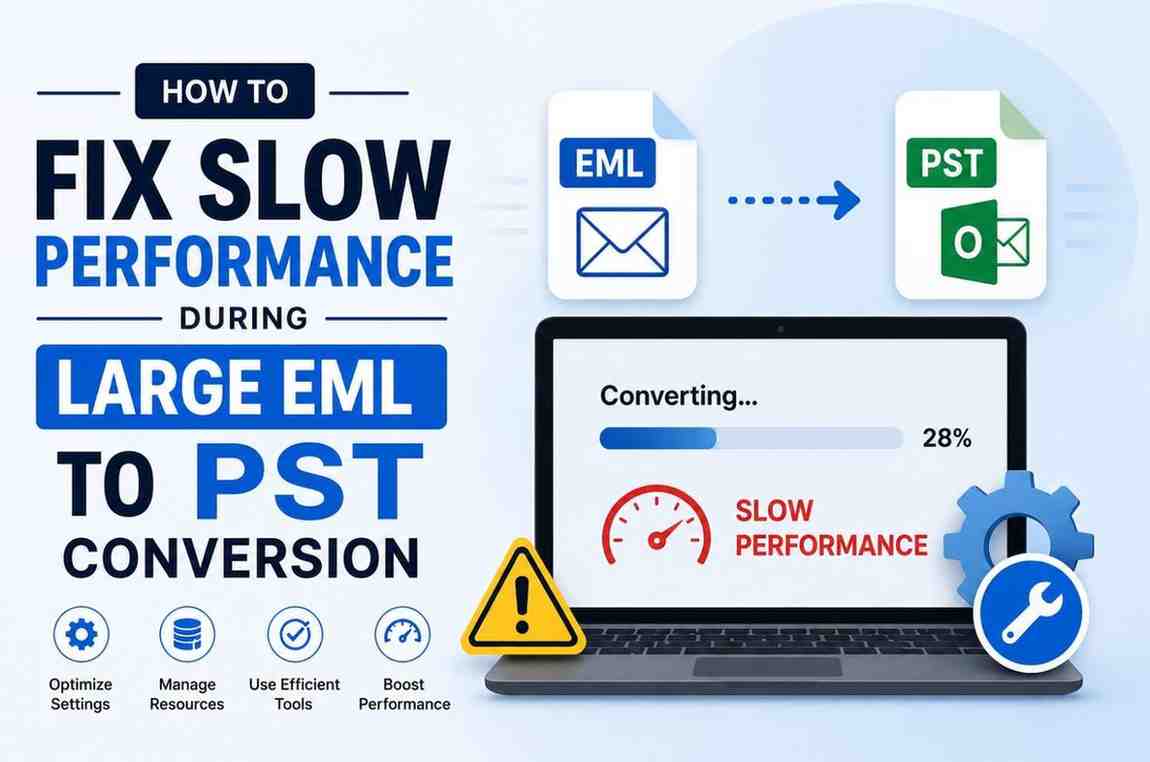
We all know emails are used on a daily basis because of their high demand and secure data transfer capability. These files also store data effectively, but the main problem starts when users overuse them. Since emails are the most common source of communication, they have become a basic necessity. However, when users use them excessively, performance slows down and managing files becomes a challenge.
To overcome this challenge, users try to convert emails into another format, such as PST, thinking it will make everything easier. But the process becomes easier only when they use the right approach for EML to PST conversion.
In this article, we will learn some advanced and manual methods. We will also understand their limitations and processes so that we can choose the right expert solution to resolve the issue of EML to PST Conversion slow performance.
Users need to convert their emails for various reasons. Some of the common reasons are mentioned below:
• When users convert their files into PST format, then the files can be more accessible because they can be accessed in Microsoft Outlook easily.
• Managing thousands of files is a difficult process. Portable Storage Table format stores all emails in a single file, making the management easier for users.
• Users who need a secure backup of email files can convert their files into a secure format.
• When users handle a large number of EML files, the conversion process becomes slow, and improving this conversion is the only solution.
• Conversion is important for organizations that want to migrate from email clients like Thunderbird and Windows Live Mail to Outlook.
Before using any method, users should understand the common mistakes that can create problems during conversion to prevent this issue in the future.
1: Converting Too Many Files at Once
Users always try to convert thousands of EML files together to save time and effort, but this makes the process slow and can crash the system.
2: Ignoring File Corruption
Corrupted EML files can interrupt the conversion process and damage output files, so use only non-corrupted files for conversions.
3: Using Incorrect Manual Steps
Many users follow incomplete online methods that are complex and can result in missing emails and attachments.
4: No Backup Before Conversion
Without a backup, users convert their files, which risks permanent data loss if the process fails.
5: Choosing Unreliable Tools
Do not try to use free and unknown tools for the conversion; users need to compromise email formatting and data security.
Before starting any manual EML to PST conversion process, always:
• Create a secure backup of all EML files
• Organize files into folders for safe and fast conversion
• Remove duplicate emails to reduce the chances of errors
• Check for corrupted EML files to smoothly perform the task
• Ensure Microsoft Outlook is properly installed in your system.
This helps reduce the chances of EML to PST conversion slow performance and minimizes the risk of data loss.
There are different manual ways available for converting files into Portable Storage Table format. Below are the most commonly used methods.
This is a common manual approach, which is used to convert the files manually.
• Install and open Windows Live Mail on your PC or Laptop.
• Import the emails into Windows Live Mail.
• Then set up Microsoft Outlook on the same system.
• Click on File > Export Email > Email Messages.
• Select Microsoft Exchange as the export option and confirm the Export process.
• Export the mailbox as a PST from Outlook.
Manual methods are not always reliable because they can only work for small email migrations.
• Manual conversion takes a lot of time when dealing with thousands of email files.
• Attachments, metadata, and formatting can get lost during conversion because manual methods do not provide data security.
• These methods cannot handle large files, and also slow down Outlook, and sometimes freeze the system completely.
• Non-technical users can find the process difficult and confusing because these methods need technical expertise.
• Manual methods do not support batch conversion of emails, which can also make the process frustrating and difficult.
Because of these limitations, many users prefer professional solutions and convert their files with a secure and advanced tool.
The GainTools EML to PST Converter is a professional utility that is created to convert EML files into PST format safely and efficiently. This tool helped users to perform the migration task smoothly. Its fast and effective results made the process effortless and time-saving for users. Users use this tool for secure backup and for storing data for long-term purposes. It supports all email clients, such as Windows Live Mail, Thunderbird, Apple Mail, and more. This is a standalone tool that does not require any external application.
• The software allows users to convert multiple files at once without slowing down the system.
• This tool supports the batch email conversions feature that can convert several files in one go.
• It has data integrity that helps in maintaining the data, attachments, metadata, folder structure, and more.
• The tool’s interface is simple and clean, so even beginner users can perform the conversion task easily.
• It always provides fast and effective results, which saves the user’s valuable time and makes the process quick.
• It is capable of handling large files without corruption issues.
1. You need to download and install the conversion software on your system.
2. Browse and select the EML files or folders that you want to convert.
3. Use the preview option to verify the emails before conversion.
4. Configure options and apply filters to customize the output according to your needs.
5. Click the Browse option to save the migrated files and name the Output folder.
6. Click on the convert button and complete the process.
| Feature | Manual Method | Professional Method |
| Data Integrity | High risk of losing metadata | Complete Security of data without any loss |
| Execution Speed | Extremely Slow/Unstable | High-Speed Multi-threading |
| System Impact | Likely to freeze the OS | Lightweight & Optimized |
| Ease of Use | Requires technical workarounds | Self-explanatory interface and easy steps |
If users want to access their emails in PST format or want reliable management of the files then they should convert their files into PST format, as these files not only help users manage their emails but also make the data more accessible and secure. While manual methods are available, they can lead to issues like data loss, missing attachments, file corruption and incorrect data transfer, which not only affect the conversion process but also result in EML to PST conversion slow performance.
Manual approaches can work for small tasks but they are not ideal for large-scale and professional email migration. If you want a smooth, safe and accurate conversion process, then choosing a professional and advanced tool like the EML to PST Conversion tool is a better option. It not only simplifies the entire process but also maintains data integrity and provides faster performance without technical complications.

© 2025 Crivva - Hosted by Airy Hosting Managed Website Hosting.