

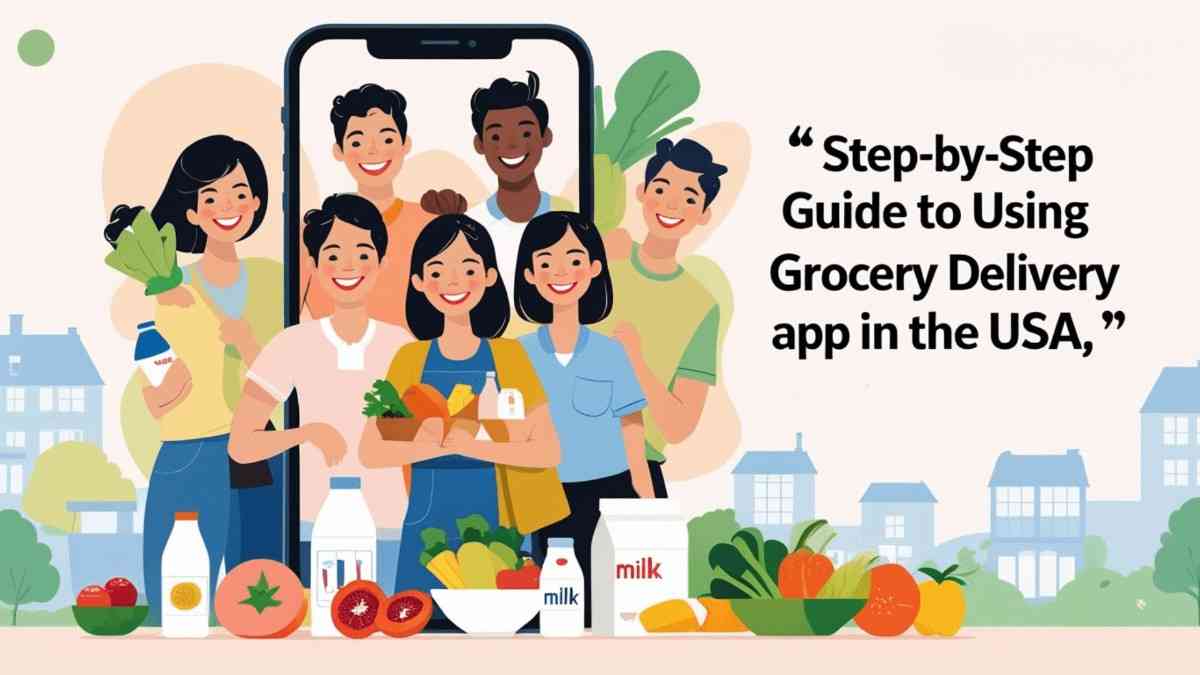
In today’s fast-paced world, grocery delivery apps have revolutionized the way we shop for food, making it more convenient than ever to get fresh produce and household essentials delivered right to our doorsteps. With a plethora of options available, navigating these apps can be overwhelming for first-time users. This step-by-step guide will walk you through everything you need to know about using grocery delivery apps in the USA, from selecting the right app for your needs and setting up your account, to browsing products, placing orders, and troubleshooting common issues. Whether you’re busy with work, managing a family, or simply looking to save time, this guide will help you make the most of your grocery delivery experience.
Grocery delivery apps are digital platforms that let you order your favorite snacks, essentials, and gourmet ingredients right from your couch or while pretending to “work” at your desk. These apps partner with local grocery stores to make sure your groceries are picked, packed, and delivered to your doorstep, so you can avoid the stress of navigating crowded aisles and long lines. It’s like having a personal shopper, but without the awkward small talk.
Using grocery delivery services can add a sprinkle of joy to your life (and a dash of sanity). First off, you’ll save time—no more dragging yourself through the aisles or trying to remember if you need more toilet paper (you do). Secondly, you can shop anytime, anywhere; whether it’s a late-night craving for ice cream or a mid-morning realization that you’re out of bread, your app’s got you covered. Plus, let’s not forget the convenience of avoiding impulse purchases, unless you count that giant tub of cookie dough ice cream.
Some of the big players in the supermarket game include Instacart, Shipt, Amazon Fresh, and Walmart Grocery. Each of these apps has its own unique quirks and offerings, so it’s worth exploring what works best for your shopping style. Whether you’re a coupon collector or a fresh produce enthusiast, there’s an app out there waiting to cater to your grocery whims.
Not all grocery delivery apps are created equal. Some boast a vast array of features like special dietary options, subscription services, and advanced search filters. Others may focus more on speedy delivery or have quirky rewards programs (hello, free snacks!). Take a few moments to compare what each app offers—after all, you’re not picking a college, just a way to get your frozen pizza.
Before getting too attached to an app, make sure it delivers to your neck of the woods. Not all apps cover every zip code in the country, and you don’t want to get your heart set on a service only to find out it’s like trying to order a pizza in the middle of the Sahara. Check the delivery areas on the app’s website or during signup so you’re not left high and dry when you decide to host a last-minute taco night.
User reviews are your best friend when choosing a grocery delivery app. Think of them as the Yelp for your groceries. Scour through ratings to see what others have to say—especially about their experiences with customer service, delivery times, and quality of produce. If an app has more complaints than a toddler in a candy store, you might want to keep looking.
First things first: grab your smartphone and head to your app store (you know, that magical place where all your favorite distractions live). Search for the grocery delivery app you’ve chosen, and hit that download button as if your life depends on it. You’ll have that app in no time, and your phone might just thank you for giving it something more productive to do.
After downloading, open the app and get ready to create your account. This usually involves entering your email, creating a password, and possibly swearing an oath of loyalty to never abandon your shopping cart. Some apps might even let you sign up using social media profiles, making it easier than convincing your friend to share a pizza with you.
Now it’s time to enter your delivery information. This includes your address, contact number, and possibly any special delivery instructions (like “leave the groceries under the cactus” for those extra cautious of porch pirates). Make sure everything is accurate because the last thing you want is your delivery showing up at your neighbor’s house—unless their Wi-Fi password is still in play.
Before you dive into the checkout process, take a moment to review your cart. This is your last chance to see if you’ve accidentally added that 5-pound bag of gummy bears (as tempting as it may be). Double-check quantities, remove any unwanted items, and ensure your produce choices don’t resemble a science experiment. If everything looks good, it’s time to move on!
Now that your cart is all set, let’s talk delivery. Most apps will give you options like “as soon as possible” or “schedule for later.” Choose wisely; you don’t want your groceries showing up while you’re still in your PJs watching reruns. Additionally, some services offer contactless delivery—perfect if you want to avoid awkward conversations with your delivery driver.
The moment of truth is here! Before you hit that confirm button like it’s a championship winning shot, make sure you’ve selected the correct address and delivery time. Also, check for any last-minute substitutions suggested by the app. If you’re okay with a slightly different brand of peanut butter, you might just save the day (and your stomach). Once everything is checked off, it’s time to finalize and get ready for grocery glory!
Uh-oh, looks like some items decided to play hide-and-seek. If you find that something you ordered is missing, don’t panic! Most apps have an easy process for reporting missing items. Document what’s missing and get in touch with customer service. They’ll usually help you either adjust your bill or offer a refund.
When all else fails, it’s time to become a customer support ninja. Most apps have a chat feature or call option for you to voice your concerns. Be polite but firm as you explain your issue, whether it’s about missing items, delayed orders, or confusing charges. Remember, customer support agents are humans too, and a little kindness can go a long way in resolving your woes!Using grocery delivery apps can significantly simplify your shopping experience, saving you time and effort while ensuring you have access to your favorite products. By following this step-by-step guide, you can confidently navigate these platforms, make informed choices, and enjoy the convenience of having groceries delivered straight to your home. As you become more familiar with the process, you’ll discover even more ways to tailor your shopping experience to fit your lifestyle and preferences. Happy shopping!
Most grocery delivery apps prioritize customer safety and data security, implementing various measures to protect personal information and secure payment processing. However, it’s always wise to read reviews and ensure the app you choose has a good reputation.
Delivery fees can vary based on the app, your location, and the size of your order. Some apps offer free delivery for larger orders or with a subscription service, while others may charge a flat fee or percentage of your total order.
If an item is missing, check the app for information about substitutions or contact customer support. Most apps have a process for reporting missing items and may offer refunds or credits for the inconvenience.
Many grocery delivery apps allow you to choose a specific delivery window during the checkout process. Availability may vary based on your location and the app, so be sure to check the options offered.

© 2025 Crivva - Hosted by Airy Hosting Managed Website Hosting.