

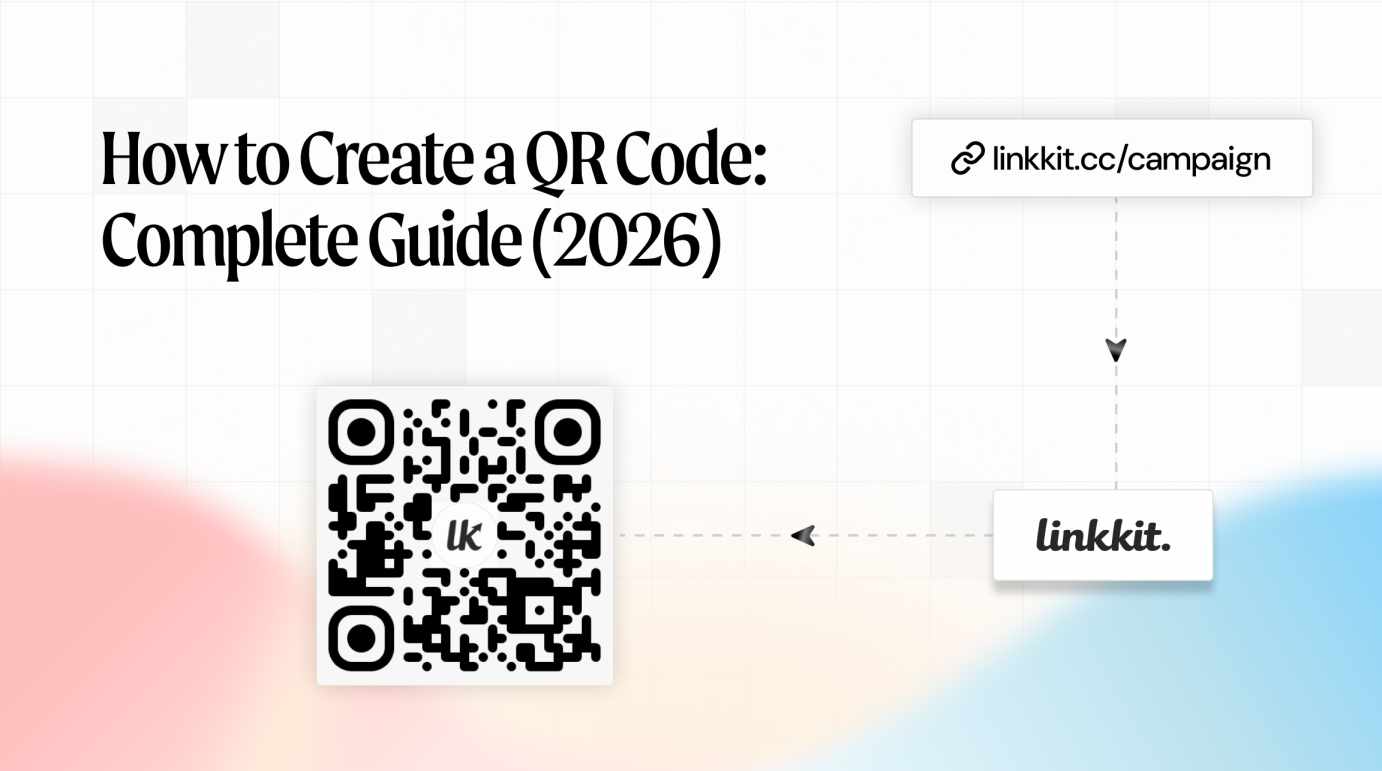
QR codes have become one of the fastest ways to connect offline audiences to digital experiences. From restaurant menus to product packaging, these small square codes now power millions of daily interactions worldwide.
Creating a QR code takes less than a minute — but creating one that actually gets scanned requires the right setup, design, and tracking strategy. This guide explains everything you need to know about QR codes in 2026, including how to create one, best practices, and common mistakes to avoid.
A QR code (Quick Response code) is a two-dimensional barcode that stores data in a pattern of black and white squares. When scanned with a smartphone camera, it instantly opens a digital destination such as:
Unlike printed URLs that require manual typing, QR codes remove friction. One scan takes users directly to the intended destination, making them extremely effective for marketing and communication.
Originally invented in 1994 for manufacturing tracking, QR codes are now widely used in retail, hospitality, events, education, and advertising.
Before creating a QR code, it is essential to understand the difference between static and dynamic QR codes.
Static QR codes store the destination link directly inside the code pattern.
Key Features:
Best For:
Dynamic QR codes redirect through a short link before reaching the final destination.
Key Features:
Best For:
Dynamic QR codes are widely used because they allow businesses to measure engagement and optimize campaigns over time.
Creating a QR code is simple when you follow a structured process.
Start by deciding what you want users to access. This could include:
Clear destinations improve scan rates and user engagement.
Instead of linking directly to a long URL, create a short link first. Short links make QR codes easier to manage and allow updates later if needed.
Branded short links also improve user trust and recognition.
Once the link is ready, generate the QR code automatically using a QR generator platform.
Most tools allow you to:
Choosing the correct format is essential for quality.
PNG — Best for Digital Use
SVG — Best for Print
SVG files scale without losing quality, making them ideal for printed materials.
A QR code alone is not enough. Always include instructions near the code.
Examples:
Clear CTAs significantly increase scan rates.
Before printing or publishing your QR code:
Skipping this step often leads to expensive reprints.
QR codes support many types of digital content. Choosing the right type depends on your objective.
The most common type. These direct users to:
Useful for sharing files such as:
These are widely used in education and product packaging.
Linking QR codes to videos helps demonstrate products and services.
Popular use cases:
Contact QR codes allow users to save details instantly.
Typical data includes:
These are commonly used on business cards.
Wi-Fi QR codes allow instant connection without typing passwords.
Common locations:
These link directly to social media profiles or pages, helping increase followers and engagement.
Design plays a major role in whether a QR code gets scanned or ignored.
Always place dark QR codes on light backgrounds.
Best combinations include:
Low contrast reduces scannability.
QR code size should match viewing distance.
Recommended minimum sizes:
A simple rule: Scanning distance = 10× code width.
A quiet zone is the white border surrounding the QR code.
Never remove or crop this area. Without it, scanners may fail.
Adding a logo to the center improves trust and brand recognition.
However:
Avoiding these mistakes can save time and printing costs.
Most scans happen on smartphones. Always ensure pages are mobile-friendly.
Small QR codes fail to scan reliably, especially from a distance.
Always test size before printing.
Static codes cannot be edited later, making them risky for long-term campaigns.
Dynamic codes provide flexibility and tracking.
Without tracking, you cannot measure success.
Scan analytics help answer key questions:
QR codes are now part of everyday business operations.
QR codes simplify networking by linking directly to websites or portfolios.
Digital menus allow quick updates without reprinting.
This became widely adopted after global health changes in recent years.
Manufacturers use QR codes to provide:
Flyers, posters, and print ads become interactive when QR codes are added.
This bridges offline marketing with digital analytics.
QR codes provide:
They reduce printed materials and improve attendee experience.
QR codes provide measurable advantages for modern marketing.
Instant access removes barriers and speeds up interactions.
Businesses gain insights into user behavior through scan data.
This helps optimize campaigns and improve ROI.
QR codes transform static materials into interactive tools without additional printing costs.
Adding QR codes to offline media increases user interaction and conversions.
When selecting a QR code generator, consider tools that offer:
Platforms like Linkkit provide dynamic QR code generation along with performance tracking, making them suitable for businesses that rely on measurable campaigns.
QR codes have evolved from simple scanning tools into powerful marketing assets. When used correctly, they transform physical materials into measurable digital experiences.
Creating a QR code in 2026 is fast, but success depends on choosing dynamic codes, designing them properly, testing before printing, and tracking performance over time.
Businesses that apply these best practices can improve engagement, reduce friction, and make every printed surface work harder for their marketing efforts.

© 2025 Crivva - Hosted by Airy Hosting Managed Website Hosting.