


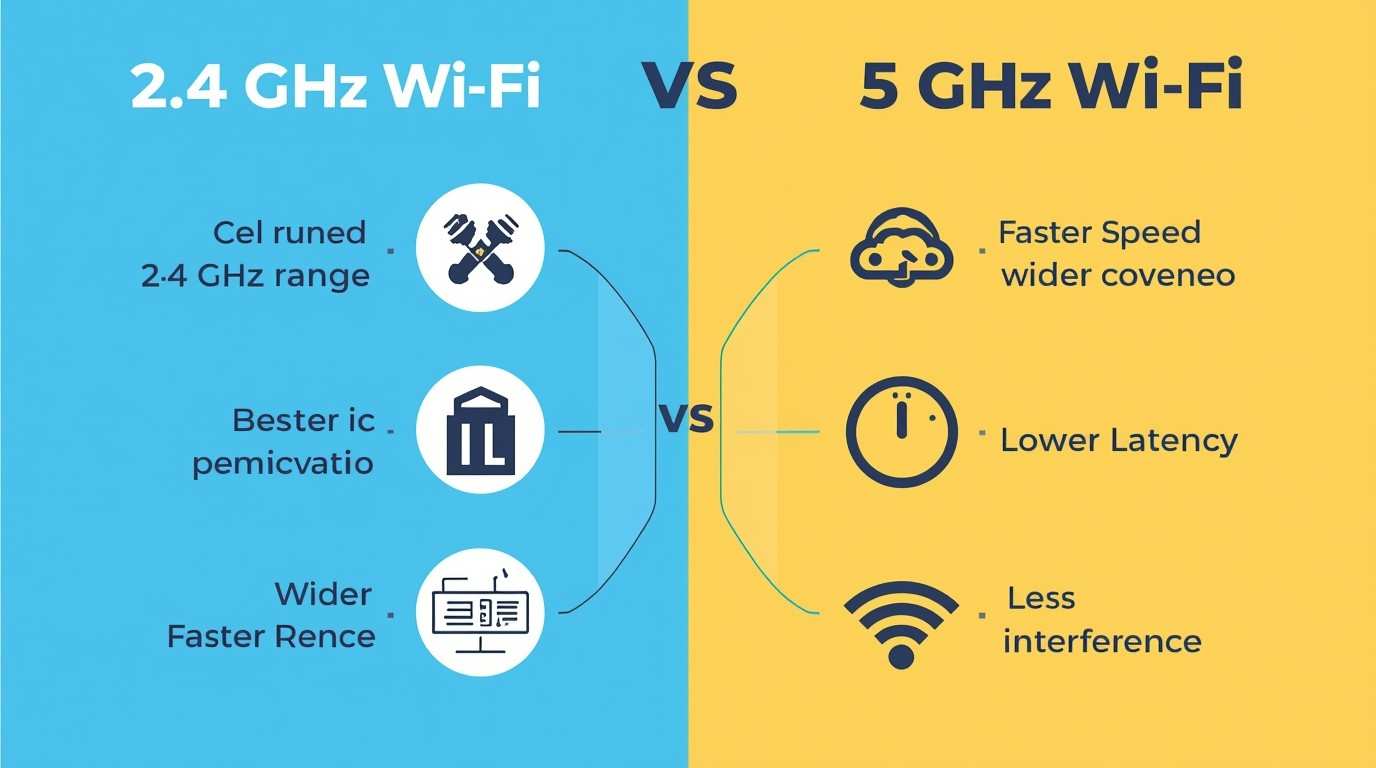
I never thought I would have strong opinions about Wi-Fi frequencies. Like most people, I just wanted my internet to work without buffering, random disconnects, or annoying loading moments.
After months of working from home, gaming at night, joining video calls, and managing smart devices, I kept running into the same question:
Why does my Wi-Fi feel great sometimes and painfully slow at other times, even on the same network?
That curiosity led me to explore a practical issue: 2.4 GHz Wi-Fi versus 5 GHz Wi-Fi. What started as a technical comparison turned into a real lesson about how Wi-Fi behaves in everyday life.
This isn’t a lab test or a marketing breakdown. It’s what I learned by using both frequencies daily.
Before diving into my experience, let’s get one thing clear.
Wi-Fi frequencies are like roads:
That’s the core of any Wi-Fi Frequency Comparison.
Most modern routers use Dual-band Wi-Fi, meaning they broadcast both:
You don’t have to choose one forever, but understanding when each one works best is where things get interesting.
When I upgraded my router, I thought 5 GHz Wi-Fi would be better. Faster speeds and less interference seemed like a clear win
So I connected everything to it:
That worked until it didn’t.
The signal dropped in certain rooms. Video calls froze. My smart devices randomly disconnected. Meanwhile, my old 2.4 GHz Wi-Fi connection, slower on paper, was reliable in those same spots.
That’s when I realized speed isn’t everything.
I underestimated 2.4 GHz Wi-Fi, big time.
It didn’t win speed tests, but it never surprised me in a bad way.
When I worked from my bedroom, just two walls away from the router, 2.4 GHz Wi-Fi felt dependable, even if it wasn’t flashy.
It wasn’t perfect, but it was predictable, and that matters more than people admit.
Now let’s talk about 5 GHz Wi-Fi, because when it’s good, it’s really good.
When I was in the same room as the router, everything felt effortless.
For tasks where speed and responsiveness matter, 5 GHz Wi-Fi clearly outperformed.
The moment I moved farther away:
Walls, doors, and even furniture had more impact than I expected.
The biggest thing I learned?
2.4 GHz Wi-Fi vs 5 GHz Wi-Fi isn’t about which one is better; it’s about when to use each.
Once I stopped treating it like a winner-takes-all choice, everything improved.
I now:
Suddenly, my network felt smarter, not faster on paper, but better in real life.
This is where Dual-band Wi-Fi earns its reputation.
Instead of forcing all devices onto one frequency, it allows:
Once I intentionally separated devices, my Wi-Fi problems almost disappeared.
No fancy upgrades. No extra extenders. Just smarter usage.
Here are a few practical lessons I learned the hard way:
This kind of hands-on Wi-Fi Frequency Comparison taught me more than any spec sheet ever could.
If you’re a developer, remote worker, or power user, this matters more than you think.
Unstable Wi-Fi affects:
I now test apps and workflows on both frequencies because real users are experiencing the same issues. Understanding how 2.4 GHz and 5 GHz Wi-Fi behave helps create better experiences beyond just networking.
Not a chance.
Daily use taught me that Wi-Fi works best when it adjusts to the situation. Dual-band Wi-Fi is the unsung hero that makes this possible.
If you’re still switching frequencies without knowing why, you’re complicating things unnecessarily.
After months of real-world testing, without benchmarks, charts, or marketing fluff, I learned something simple:
Good Wi-Fi isn’t about maximum speed. It’s about having the right connection when you need it.
If your internet feels inconsistent, the problem might not be your provider or router; it could just be a misunderstanding of how your Wi-Fi works. Once you figure that out, everything runs smoother.
In ideal conditions, yes. But distance and obstacles can quickly reduce its real-world speed.
It travels farther and penetrates walls better, making it more reliable across larger spaces.
No. Using both through Dual-band Wi-Fi usually gives the best experience.
Yes, 5 GHz often reduces latency if you’re close to the router.
Many modern routers manage this automatically, but manual setup can improve results in some cases.

© 2025 Crivva - Hosted by Airy Hosting Managed Website Hosting.