

Ever tried accessing your home security camera remotely or hosting a website, only to have the connection change or break? This often happens because your IP address isn’t fixed, it’s dynamic. This is where a static IP address is useful.
If you’ve heard the term but aren’t sure what it means or if you actually need one, you’re in the right place. Let’s break it down simply so you can decide if a static IP is worth it for you.
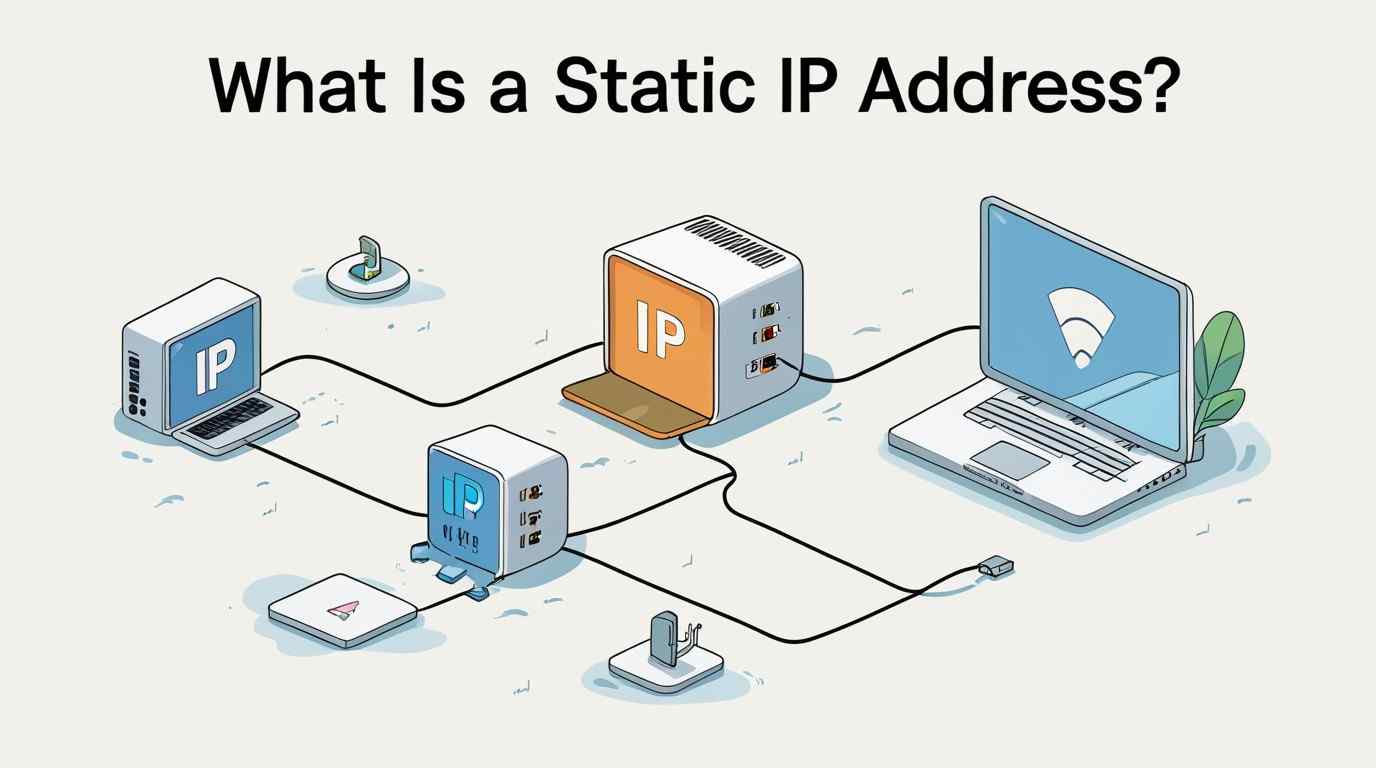
A static IP address is a fixed, permanent Internet Protocol (IP) address assigned to a device or network. Unlike a dynamic IP address, which changes periodically, a static IP stays the same over time.
Think of it like your home address. No matter how many times you leave and come back, your address doesn’t change. Similarly, a static IP ensures your device can always be found at the same “location” on the internet.
|
Feature |
Static IP Address |
Dynamic IP Address |
|
Changes over time |
No |
Yes |
|
Setup |
Manual / ISP-assigned |
Automatic (DHCP) |
|
Cost |
Usually paid |
Typically free |
|
Stability |
High |
Moderate |
|
Best for |
Servers, remote access |
Everyday browsing |
When you sign up with an internet service provider (ISP), you usually get a dynamic IP address by default. If you choose a static IP, your ISP gives you a fixed IP address that remains the same.
This allows:
A static IP isn’t just for tech experts, it powers many everyday use cases:
If you’re running a website, game server, or email server, a static IP ensures users can reliably connect without interruptions.
Need to access your office computer from home? A static IP makes remote desktop connections smoother and more reliable.
Gamers and streamers often prefer static IPs for stable connections, reduced latency, and easier port forwarding.
Devices like security cameras, smart locks, and home automation systems work more reliably with a consistent IP.
Businesses rely on static IPs for VPNs, VoIP services, and secure communication systems.
Let’s explore why people choose static IPs:
Since your IP doesn’t change, you don’t have to worry about reconnecting or updating settings frequently.
Perfect for accessing devices from anywhere without needing to track IP changes.
Websites, email servers, and FTP services perform more consistently with a static IP.
Static IPs work seamlessly with DNS (Domain Name System), making domain mapping easier.
VoIP calls, video conferencing, and business tools benefit from a consistent connection.
While useful, static IPs aren’t for everyone:
ISPs often charge extra for a static IP, making it less appealing for casual users.
Because your IP doesn’t change, it’s easier for hackers to target your network.
Configuring a static IP may require technical knowledge or professional help.
If you move or switch networks, your IP setup may need reconfiguration.
Here’s a quick way to decide:
A static IP is not inherently unsafe, but it does require extra security precautions:
Because your IP remains constant, it’s easier to track, so security becomes more important.
Getting a static IP is straightforward:
Some cloud services and hosting providers also offer static IP options.
A static IP address is a useful tool, but only if you really need it. For businesses, remote workers, gamers, and tech enthusiasts, it provides reliability and control. However, for regular browsing, a dynamic IP typically works well enough.
The key is knowing your needs. If stability, remote access, and hosting are important to you, a static IP could be a wise investment. Otherwise, you might end up paying for features you won’t use.
A static IP address stays the same, while a dynamic IP address changes periodically. In most home internet setups, internet service providers automatically assign dynamic IP addresses, and these may change over time. Static IP addresses remain fixed, making them useful for hosting servers, remote access, or applications that need a consistent connection point.
Not necessarily. Speed depends on your internet plan, not the type of IP. Both static and dynamic IP addresses can provide the same performance if the connection speed and network conditions are the same. Internet speed is mainly affected by bandwidth, latency, network congestion, and the quality of your internet service provider.
Not always, but a static IP can improve stability and make port forwarding easier. Most online games work well with a dynamic IP address because the gaming servers manage connections automatically. However, a static IP can be useful for hosting multiplayer games, managing ports, or maintaining steady remote connections.
Yes, you can request a static IP from your ISP, usually for an extra cost. Many providers offer static IP addresses as an optional add-on for users who need stable network access for business tools, hosting services, remote desktop connections, or other applications that require a permanent IP address.
Only if you need secure remote access to a specific network or device. Most remote workers can perform their tasks easily using a dynamic IP through VPNs or secure cloud platforms. Static IPs are generally necessary only when organizations need consistent network identification or control access.
No, it can actually increase exposure, so proper security measures are crucial. Because a static IP address never changes, it can be easier for malicious users to identify and target a network. Firewalls, VPNs, strong authentication, and updated security systems are important for protecting any connection.

© 2025 Crivva - Hosted by Airy Hosting Managed Website Hosting.