


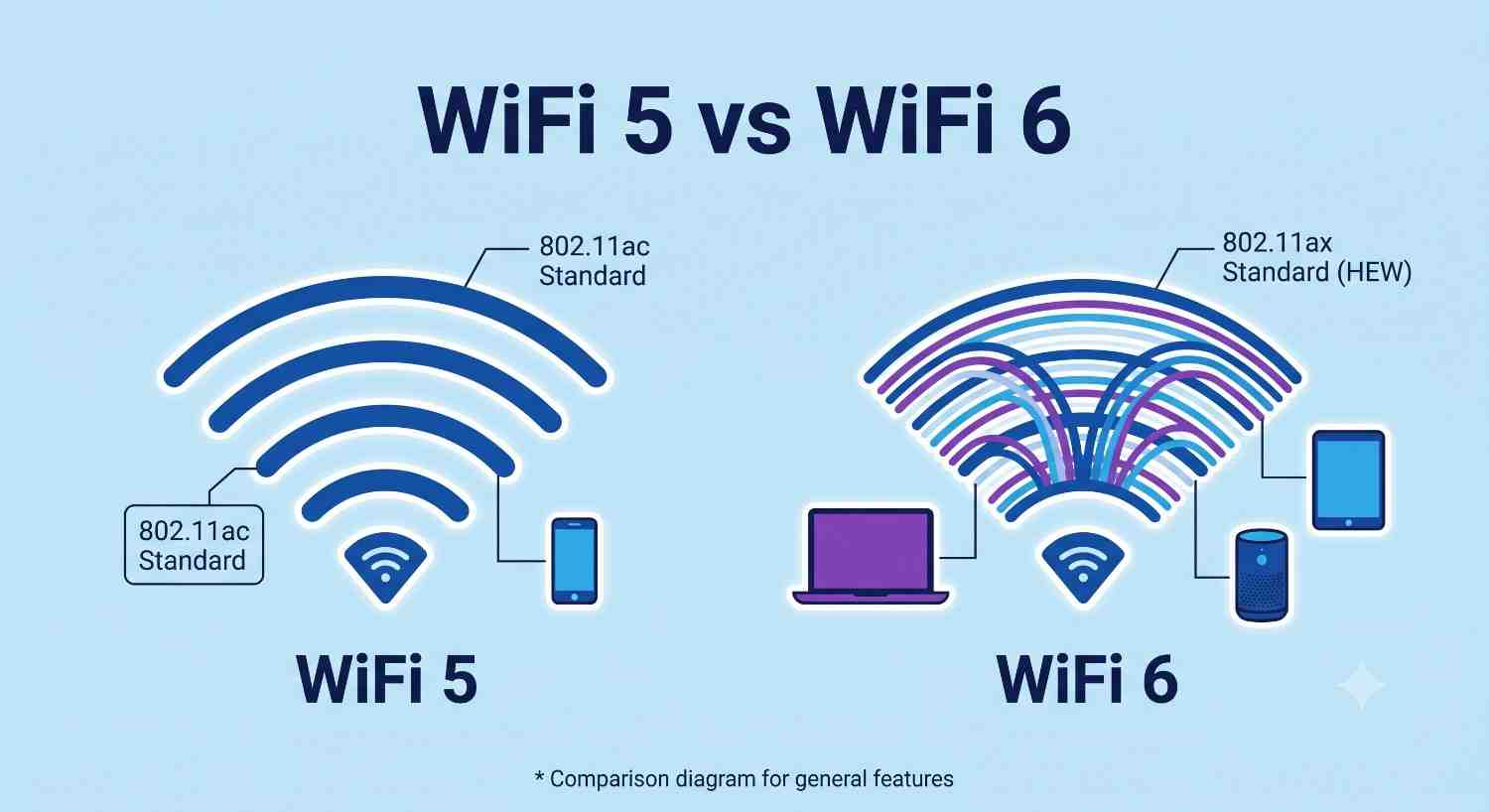
You’re standing in the router aisle, or worse, fifteen browser tabs deep in reviews, and every single one throws around “WiFi 5” and “WiFi 6” like you should already know the difference. Your current router works fine… mostly. Except when six people are streaming, your laptop fan kicks in, and that smart doorbell decides now’s the time to lag. So you’re left wondering: is WiFi 6 actually going to fix this, or is it just marketing dressed up as a number upgrade? Let’s actually sort this out.
Before anyone can pick a side, it helps to know what these labels are actually pointing at. WiFi 5 and WiFi 6 are just simplified names for wireless standards that used to have names only an engineer could love, things like 802.11ac and 802.11ax. Somewhere around 2018, the WiFi Alliance decided regular people shouldn’t need a decoder ring to buy a router, so they renamed them with version numbers, similar to how phone models get numbered.
WiFi 5 came out around 2014 and was, for its time, a genuine leap forward. It introduced wider channels and smarter antenna tech that made WiFi noticeably faster than the WiFi 4 era most of us grew up with. It’s still a solid standard, and honestly, plenty of households run on it without ever noticing a problem.
Wi-Fi 6 emerged around 2019 with a different goal in mind. It wasn’t just about raw speed; it was about handling more devices at once without everything slowing to a crawl. That distinction matters more than people realize, and it’s really the heart of the WiFi 5 vs WiFi 6 debate.
Here’s where most comparisons get it wrong. They throw numbers at you, WiFi 6 supports up to 9.6 Gbps versus WiFi 5’s 3.5 Gbps, and call it a day. But unless you’re transferring massive files between devices on your local network, you’ll rarely touch those ceiling speeds anyway. Your internet plan is usually the actual bottleneck, not your router’s theoretical max.
What actually changes your day-to-day experience is how each standard handles multiple devices. Think about your home right now: a phone, a laptop, a smart TV, maybe a few smart plugs, a video doorbell, a tablet someone left charging. WiFi 5 talks to devices basically one at a time, very fast, but one at a time, like a single cashier serving a long line.
Wi-Fi 6 introduced a technology called OFDMA, which lets the router split its signal to talk to multiple devices simultaneously. Picture that same store suddenly opening four checkout lanes instead of one. Nothing about the cashier got faster, but the line moved dramatically faster because devices weren’t waiting their turn anymore.
This is why WiFi 6 shines in busy households, apartments with lots of overlapping networks, or smart homes packed with low-power gadgets. If you live alone with two devices, you might genuinely never notice the difference.
Nobody talks about this enough, but WiFi 6 is genuinely better for your devices’ battery life. It uses a feature called Target Wake Time, which lets devices schedule when they “wake up” to check for data rather than constantly staying awake. For things like smart locks, security cameras, or even your phone sitting idle, this can meaningfully extend battery life between charges.
If you’ve got a house full of WiFi-connected gadgets that always seem to need charging, this alone might tip the scales toward WiFi 6 for you.
This one surprises people: WiFi 6 isn’t necessarily better at reaching through walls or covering long distances. Range depends more on the router’s hardware, antenna design, and frequency band than on which WiFi generation it uses. A well-built WiFi 5 router can outperform a cheap WiFi 6 one in a large house. So if range is your main headache, don’t assume the newer label automatically solves it. Mesh systems or better antenna placement often matter more than the standard itself.
This is the part that trips people up. Buying a WiFi 6 router doesn’t mean your old devices suddenly get faster. Your five-year-old laptop or budget phone will connect just fine, but it’ll still communicate using WiFi 5 (or older) rules, because that’s the highest standard it supports. The router becomes backward-compatible, not magically upgrading everything connected to it.
So the real benefit of WiFi 6 kicks in when you have a mix of newer devices that actually support it, especially in a household with many connected things at once. If your entire setup, router, and devices are still WiFi 5, you won’t suddenly hit a wall. You’ll just be running on a slightly older but still functional system.
Here’s the honest answer: it depends on your household, not on which one sounds newer.
And if you’re shopping right now, it’s worth checking the differences between WiFi 6 and 6E, as well as whether WiFi 7 options are creeping into your budget range, since pricing on WiFi 6 routers has dropped enough that they’re often not much more than a decent WiFi 5 model anyway.
At the end of the day, the WiFi 5 vs WiFi 6 decision isn’t really about chasing the newest tech for the sake of it. It’s about matching the standard to how your household actually uses the internet. If your home is quiet on the device front, WiFi 5 will likely serve you just fine for years to come. If you’re juggling a dozen connected gadgets and feel the network strain during peak hours, WiFi 6’s ability to talk to multiple devices at once will probably solve more problems than raw speed numbers ever could. Either way, understanding what’s actually happening behind these labels means you’re no longer guessing in that router aisle; you’re choosing based on what your home genuinely needs.
Not immediately, no. You’ll still get backward compatibility, but the standout features like simultaneous multi-device handling and better power efficiency only kick in when your devices also support WiFi 6. If you’re planning to upgrade phones, laptops, or smart devices soon, it’s worth future-proofing. Otherwise, you might not notice much difference right away.
Not necessarily. Your internet speed is determined by your service provider plan, not your router’s WiFi standard. WiFi 6 improves how efficiently your network handles multiple devices, but it won’t increase the actual bandwidth coming into your home.
Yes, completely. WiFi 6 routers are backward-compatible, meaning older WiFi 5 devices will connect normally. They just won’t get the extra efficiency or speed benefits that newer compatible devices receive.
Not directly. Coverage and range depend more on the router’s antenna strength and placement, and on whether you’re using a mesh system, than on the WiFi generation itself. A high-quality WiFi 5 mesh setup can outperform a basic single WiFi 6 router in a large space.
If your current setup is struggling and you need a fix now, there’s little reason to wait. Wi-Fi 7 devices and routers are still becoming mainstream, and prices tend to be higher early on. WiFi 6 already offers a meaningful upgrade for most busy households without the premium cost of bleeding-edge tech.

© 2025 Crivva - Hosted by Airy Hosting Managed Website Hosting.