

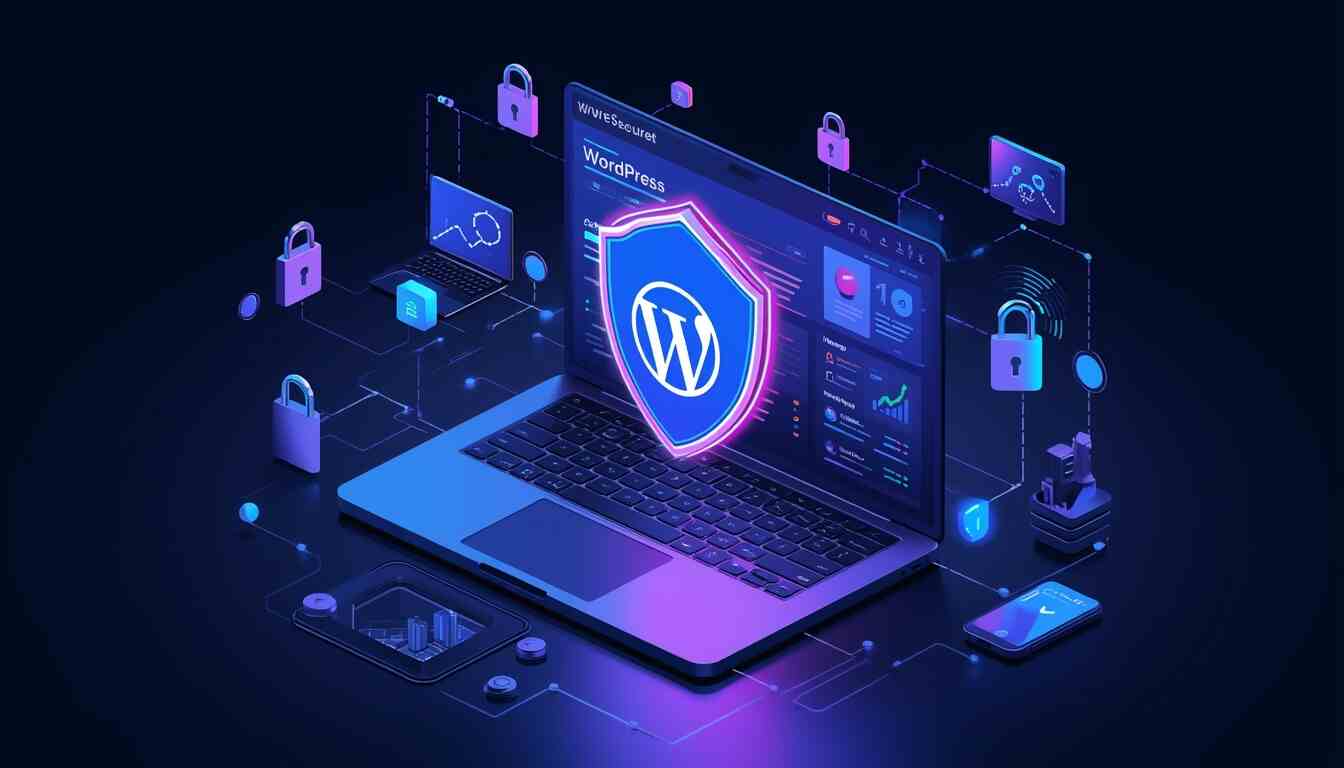
Imagine opening your website one day only to discover it has been defaced, your data has been compromised, or worse, everything has disappeared. While it may sound extreme, this is a reality many website owners face. With WordPress powering over 40% of all websites on the internet, it has become a prime target for cyberattacks.
The good news is that securing your WordPress site doesn’t have to be overwhelming or highly technical. By adopting a few practical habits and staying consistent, you can significantly reduce your risk and prevent WordPress hacking before it ever becomes a problem. WordPress security is not about one big fix—it’s about layering multiple small protections that work together.
Let’s explore the most effective ways to keep your website safe and secure.
Many website owners mistakenly believe that small or personal websites are unlikely to be targeted. In reality, most attacks today are automated. Bots scan thousands of websites looking for vulnerabilities like outdated plugins, weak passwords, or unsecured settings.
Whether you run a blog, a portfolio, or an online business, your website has value, including data, traffic, and credibility. Neglecting security can lead to data loss, downtime, or damage to your reputation.
Security should not be treated as a one-time task. It’s an ongoing process that requires regular attention. Understanding common vulnerabilities and staying proactive is the key to protecting your site.
One of the most common reasons WordPress sites get hacked is outdated software. Every update for WordPress core, plugins, or themes includes important security patches that fix known vulnerabilities. Hackers actively seek out websites that haven’t applied these updates, making them easy targets.
To stay secure:
Even inactive plugins can pose a risk if they’re outdated. Keeping only what you need limits potential entry points. Enabling automatic updates for minor releases and trusted plugins can help maintain security without constant manual effort.
Weak login credentials are one of the easiest ways for attackers to gain access. Using “admin” as a username or simple passwords makes your site vulnerable to brute-force attacks. These attacks involve bots repeatedly trying different login combinations until they succeed.
To protect your site:
You can further strengthen your login security by limiting login attempts. This prevents repeated failed logins and blocks automated attacks before they succeed.
A security plugin acts as a protective layer for your website. It monitors activity, detects threats, and blocks malicious traffic before it can cause harm.
A good security plugin typically includes:
These tools not only prevent attacks but also provide insight into what’s happening on your site. Instead of guessing, you’ll be alerted to suspicious activity and can respond quickly. Choosing a reliable and well-supported plugin is vital for long-term protection.
Passwords alone aren’t enough anymore. Even strong ones can be compromised. That’s where Two-Factor Authentication (2FA) comes in.
With 2FA enabled:
This simple feature can stop most login-based attacks and is one of the most effective security upgrades you can implement.
Your hosting provider plays a crucial role in your website’s security. A secure hosting environment can prevent many attacks at the server level before they even reach your site.
Look for hosting providers that offer:
While cheaper hosting options may seem appealing, they often lack strong security features. Investing in reliable hosting is an important step in protecting your website.
If your website still shows “Not Secure” in the browser, it can discourage visitors and expose sensitive data. An SSL certificate enables HTTPS, which encrypts data transferred between your website and its users.
Benefits of using HTTPS include:
Most hosting providers offer free SSL certificates, making it easy to secure your site. There’s no reason to skip this essential step.
No security system is perfect. Even with the best precautions, things can go wrong. That’s why backups are your safety net. If your site is hacked, crashes, or experiences data loss, a backup allows you to restore it quickly.
Best practices for backups:
Backups provide peace of mind and can save you from significant losses.
Not everyone needs full access to your website. WordPress allows you to assign roles with specific permissions, such as Administrator, Editor, Author, and Contributor.
To reduce risk:
Limiting access lowers the chances of accidental errors or intentional misuse.
WordPress allows users to edit theme and plugin files directly from the dashboard. While convenient, this feature can be dangerous if an attacker gains access. They could quickly inject harmful code into your site.
To prevent this, disable file editing by adding the following line to your configuration file:
define(‘DISALLOW_FILE_EDIT’, true);
This simple step removes a potential vulnerability and adds an extra layer of protection.
Monitoring your website helps you detect issues early before they escalate into major problems.
Activity logs allow you to:
Early detection is important. The sooner you notice unusual activity, the easier it is to resolve. Using monitoring tools or security plugins can help automate this process and keep you informed.
Some attacks happen in the background and are not immediately visible. SQL injections and cross-site scripting (XSS) are among the most common threats. These attacks involve injecting harmful code into your website to exploit vulnerabilities.
To reduce risk:
Prevention is mostly about using trusted resources and maintaining your website properly.
By default, WordPress uses standard login URLs like “/wp-admin” or “/wp-login.php.” Hackers know about this and often target these pages.
Changing your login URL:
This can be done easily using plugins and requires no advanced technical knowledge.
XML-RPC is a feature that allows remote access to your WordPress site. While useful in some cases, it can also be exploited by attackers. If you’re not using it, disabling XML-RPC is a smart move.
You can disable it by:
This helps eliminate another potential entry point for attacks.
Securing your WordPress site is not about a single action; it’s about building consistent habits. Each step you take adds another layer of protection, making it harder for attackers to succeed.
Think of your website like your home. You wouldn’t rely on just one lock; you’d secure doors, windows, and entry points. The same principle applies here.
By keeping your site updated, using strong credentials, enabling security features, and staying vigilant, you can greatly reduce your risk and maintain a safe online presence.
Common signs include unexpected redirects, unknown user accounts, slow performance, or warnings from browsers and hosting providers. Regular scans using a security tool can help detect issues early.
There are several reliable options available, each offering features like malware scanning, firewall protection, and login security. Choose one that fits your needs and is regularly updated.
Yes, the core software is built with strong security practices. However, vulnerabilities often arise from outdated plugins, weak passwords, or poor maintenance.
For frequently updated sites, daily backups are recommended. For smaller or static sites, weekly backups may be sufficient.
Yes. Automated bots target websites of all sizes. Smaller sites are often more vulnerable because they tend to have weaker security measures.

© 2025 Crivva - Hosted by Airy Hosting Managed Website Hosting.