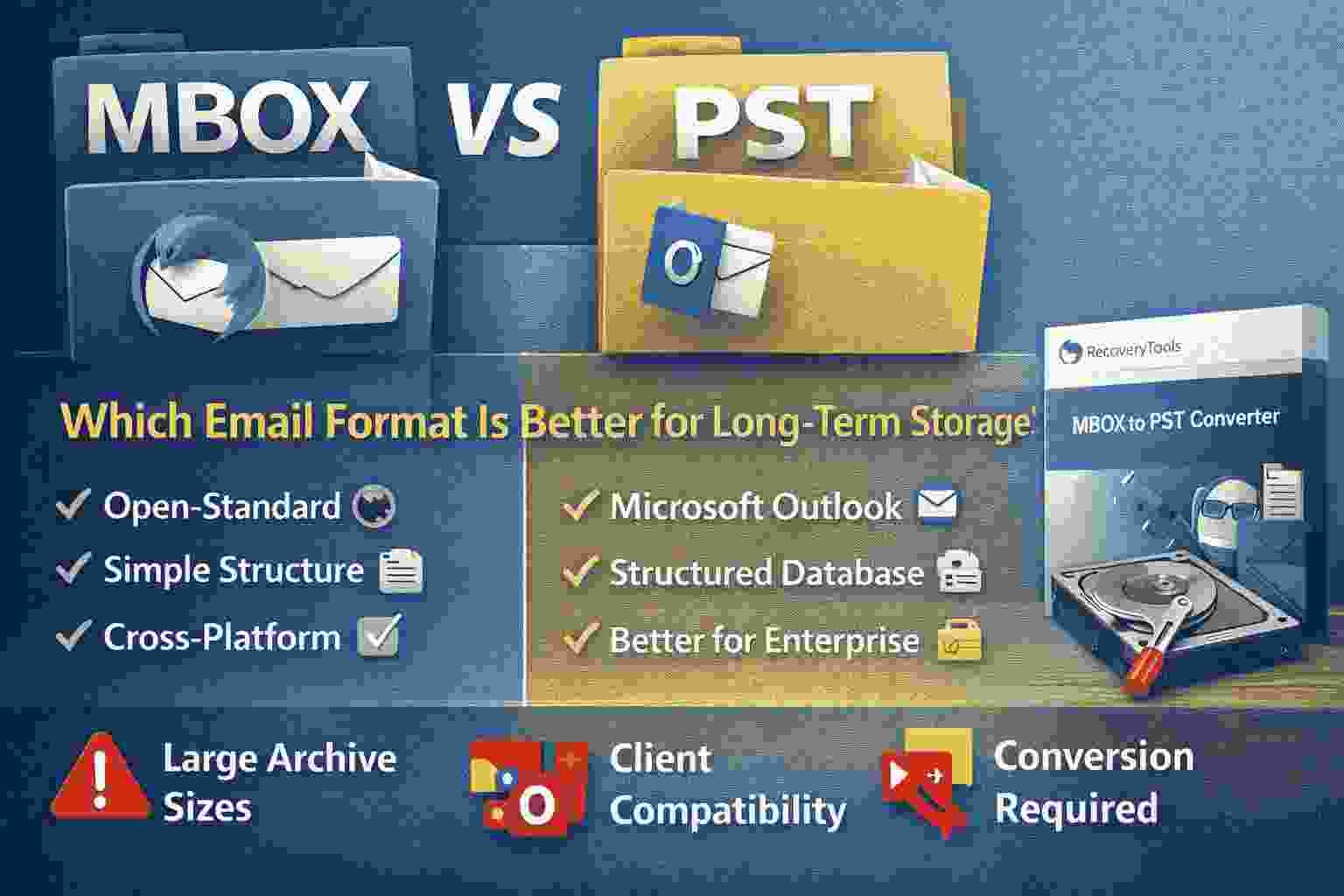
MBOX and PST are two widely used email storage formats used by different email clients and platforms.
MBOX is common in open-source email systems like Thunderbird and Apple Mail, while PST is primarily used by Microsoft Outlook.
This guide explains their differences, strengths for long-term email storage, and a practical way to convert MBOX mailboxes when migration becomes necessary.
Email data is one of the most valuable digital records individuals and organizations maintain. Whether it is personal communication, legal documentation, or corporate communication history, email archives often need to be preserved for years.
However, the format used to store these emails plays a major role in how accessible and secure that data remains in the future.
Two formats dominate the email storage ecosystem:
-
MBOX
-
PST
Understanding how these formats work and their long-term usability helps determine which is better for archiving and preserving email data.
Understanding the MBOX email storage format
MBOX is one of the oldest email storage formats used by Unix-based mail systems and many open-source email clients.
In the MBOX structure, multiple email messages are stored sequentially inside a single mailbox file.
This means:
-
One mailbox file can contain thousands of messages
-
Messages are stored as plain text entries
-
Each message begins with a separator line
Email clients that commonly use MBOX include:
-
Mozilla Thunderbird
-
Apple Mail
-
SeaMonkey
-
Evolution Mail
-
Mutt email client
MBOX is widely adopted because of its simplicity and compatibility with many email platforms.
Important note
Google Takeout exports Gmail backups in MBOX format, which makes it a common format for email archiving.
Understanding the PST email storage format
PST stands for Personal Storage Table and is the primary mailbox storage format used by Microsoft Outlook.
Unlike MBOX, PST is a structured database file designed specifically for Outlook.
A PST file stores:
-
emails
-
contacts
-
calendar entries
-
tasks
-
attachments
Because of this structured design, PST files provide deeper integration with Microsoft Outlook.
Typical environments where PST is used include:
-
Microsoft Outlook desktop
-
enterprise email archiving
-
Exchange server mailbox exports
-
Outlook backup files
Important note
Microsoft recommends keeping PST files below 50 GB to maintain optimal performance in modern Outlook versions.
MBOX vs PST: Core differences that affect long-term storage
Although both formats store email data, their design philosophy is very different.
MBOX focuses on portability and simplicity.
PST focuses on integration within the Microsoft ecosystem.
Key conceptual differences include:
Platform compatibility
MBOX format is supported by many email clients across Linux, macOS, and some Windows applications.
PST files are primarily designed for Microsoft Outlook and Microsoft-based systems.
This means MBOX is more open, while PST is platform specific.
Storage structure
MBOX stores emails sequentially in a plain text container.
PST stores emails inside a structured database with multiple internal tables.
This structured system allows Outlook to manage large mailbox data efficiently.
Data types supported
MBOX usually stores email messages and attachments.
PST stores additional mailbox components including:
-
calendars
-
contacts
-
tasks
-
notes
This makes PST more comprehensive for enterprise email management.
Migration compatibility
Migrating between different email clients often requires format conversion.
For example:
-
Apple Mail export uses MBOX
-
Outlook import requires PST
Because of this difference, conversion tools are frequently required during migrations.
When MBOX is better for long-term email storage
MBOX remains a popular choice for archiving because of its simplicity and portability.
Reasons organizations use MBOX include:
-
open standard format
-
supported by multiple email clients
-
easy to parse and analyze
-
compatible with Linux mail systems
Example
Universities and research institutions often archive mail server data using MBOX because it works well with server-side email storage.
Important note
Because MBOX stores all messages in a single file, very large mailboxes may become difficult to manage if the file grows too large.
When PST becomes the better option for email archives
PST is often preferred in corporate environments where Outlook is the primary email client.
Reasons PST works well for long-term storage include:
-
strong integration with Microsoft Outlook
-
structured mailbox database
-
support for multiple mailbox elements
-
better compatibility with Microsoft enterprise tools
Example
Many corporate IT teams archive former employee mailboxes into PST files for legal compliance and auditing.
Important note
PST files can become corrupted if they grow excessively large or if Outlook crashes while writing data.
Common challenges users face with MBOX and PST
Even though both formats are widely used, users frequently encounter issues when managing mailbox archives.
Typical problems include:
-
MBOX files not opening in Outlook
-
PST files incompatible with non-Microsoft email clients
-
mailbox corruption due to large archive size
-
migration difficulties between email platforms
Example
A user downloading Gmail archives through Google Takeout receives an MBOX file but cannot open it directly in Outlook because Outlook only supports PST.
In such cases, mailbox conversion becomes necessary.
Automated approach for migrating MBOX mailboxes to PST format
Many users eventually move from open-source email platforms to Microsoft Outlook environments.
When that happens, converting mailbox data from MBOX to PST becomes the most practical solution.
RecoveryTools MBOX to PST Converter allows users to convert mailbox archives into Outlook compatible PST files.
This approach helps users access email archives that would otherwise remain incompatible with Outlook.
Typical use cases include:
-
migrating from Thunderbird to Outlook
-
importing Apple Mail archives into Outlook
-
converting Gmail MBOX backups to PST
-
moving email archives into Microsoft 365 environments
Key capabilities include:
-
convert multiple MBOX files simultaneously
-
maintain original folder structure
-
preserve attachments and metadata
-
export emails into Outlook compatible PST format
Steps to convert MBOX mailbox files into PST format
-
Install the mailbox conversion software on your system.
-
Launch the program.
-
Select the MBOX file or mailbox folder.
-
The software scans mailbox data automatically.
-
Preview email messages.
-
Choose PST as the export format.
-
Start the conversion process.
Important note
This approach allows users to migrate email archives without needing the original email client that created the MBOX file.
Insider notes from real email migration scenarios
From practical migration experience, a few important patterns appear frequently when dealing with email archive formats.
-
Gmail archives downloaded through Google Takeout can exceed 10 GB in MBOX format
-
Thunderbird mailboxes become unstable when a single mailbox exceeds several gigabytes
-
Outlook environments prefer PST archives for long-term compliance storage
-
hybrid organizations often convert MBOX archives into PST when standardizing email systems
Display important note
Large email archives are easier to manage when they are split into multiple smaller mailbox files instead of one extremely large file.
Expert Advice
MBOX vs PST comparisons ultimately depend on the environment where the email archive will be used. MBOX works well for open-source email platforms and cross-platform compatibility, while PST is better suited for Outlook based systems and enterprise environments.
If the goal is to store email archives inside Microsoft Outlook or migrate from clients like Thunderbird or Apple Mail, converting MBOX mailboxes into PST format becomes the most reliable way to maintain long-term accessibility and compatibility.