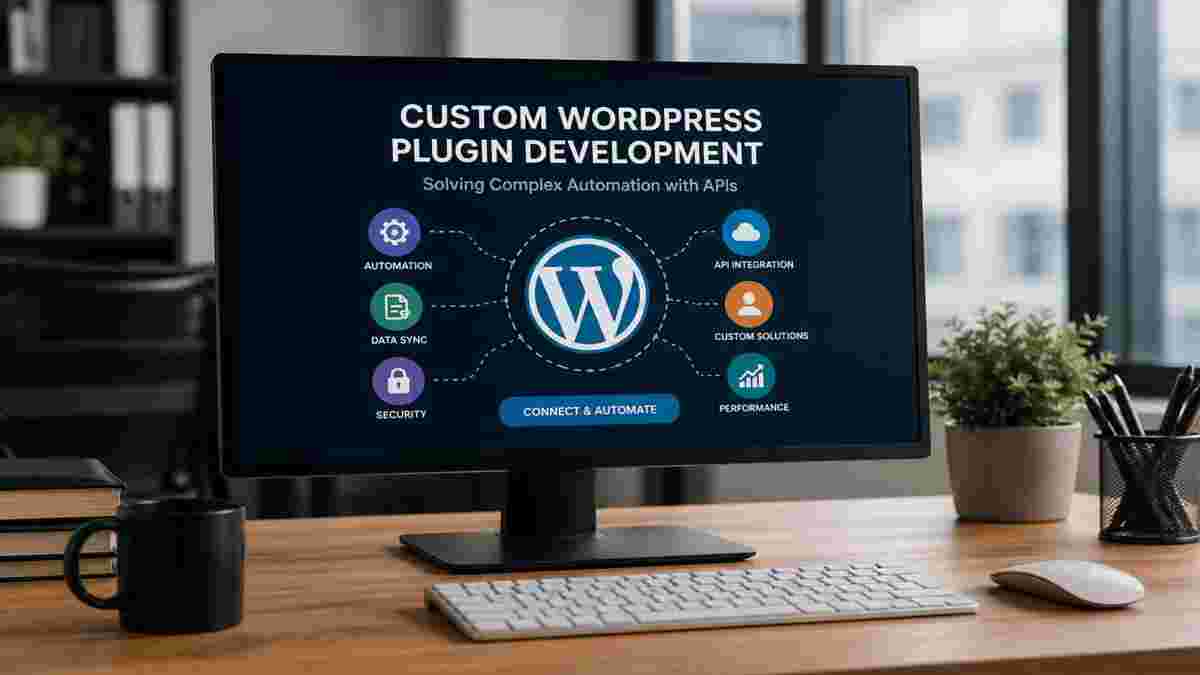
Running a WordPress site often means handling repetitive tasks. You might manually move data between your website and your CRM, accounting software, or email marketing tool. This manual work takes time and can lead to mistakes. APIs let different systems exchange information automatically. A custom WordPress plugin built around these APIs can connect your site exactly to the tools you use. It can also automate complex workflows that ready-made plugins simply cannot handle.
Public plugin repositories offer thousands of free and premium options. These plugins solve common problems for the average user. But your business is not average. You have unique processes, tools, and security requirements. When you rely on a generic plugin, you often have to change your workflow to match the software instead of the other way around.
Off-the-shelf plugins aim at the largest possible audience. They include features that many people want, but not the specific ones you need. You end up with a long settings screen full of options you will never use. At the same time, one crucial feature you absolutely need is missing. You might try to combine three different plugins to get close to what you want. This adds unnecessary complexity. A custom WP plugin does exactly what your business requires. Nothing more, nothing less.
Each plugin you install on your WordPress website adds code. This provides more opportunities for hackers. Off-the-shelf plugins have a range of features turned on. You might not be aware of them, but they are always running and slow down your website. A heavy plugin may add 100s of database calls per page. This hurts your performance and your SEO. A plugin built just for you includes only the logic you need. Its code stays lean and the attack surface stays small.
Your company probably has a particular CRM, inventory management system or payment provider. Custom plugins don’t support these systems. A few of them provide API connections with common services such as Salesforce or Mailchimp. But if you are using a less popular service, you must export and import CSVs or copy-paste data. This breaks the flow of automation and causes delays. A custom plugin with API connections speaks directly to your existing software without any hacks.
A custom plugin makes your WordPress site the nerve centre of your business. It can listen for specific events and interact with other services through their API. Data flows automatically in real time. You stop doing the same manual steps every day and focus on higher-value work.
Instead of installing separate plugins for forms, e-commerce, membership, and email syncing, you get a single custom plugin. This plugin follows your exact process. So, when a customer makes a request for service on your website, the plugin can automatically check the team’s availability, create a project in your task management app and send out a confirmation email to the client. It does all this automatically. You do not need to log into three different dashboards to complete one transaction. The plugin works the way your team works.
An API is like a handshake agreement between two software systems. Your custom plugin uses these agreements to send and receive data. It can pull product inventory levels from your warehouse system and display them live on your online store. It can push new customer registrations into your accounting software automatically. The plugin can even connect to government portals, logistic APIs, or proprietary internal tools. As long as the target system offers an API, your custom plugin can link to it securely. You no longer have to choose tools based on which ones have ready-made WordPress plugins.
The real value comes from triggers. A trigger is an event that starts an automated chain. Common examples include:
These triggers replace manual checks and data entry. Your staff no longer needs to export reports, reformat spreadsheets, and import them elsewhere. The site handles it while you sleep.
Not every situation calls for a custom build. You should consider it when your business process is unique and no combination of existing plugins covers it well. Another sign is when you need deep two-way integration with an in-house or niche external system. If your current setup forces you to do regular manual data transfers, that is a strong signal. High security requirements or a need to keep your site extremely fast also favor a custom plugin. Finally, if you plan to scale and your current mix of plugins already feels fragile, it is time to invest in a tailored solution.
A plugin is the best bet for simple tasks. If you want a basic contact form, an SEO solution, or a basic caching system, there are great (free and paid) plugins for those things. If the time and money saved, as well as fewer errors, justify the initial investment, building a custom plugin is worthwhile. If you have a super-simple website, public plugins will do the job and help keep costs down. Ask yourself if you need a custom solution before undertaking a project.
Creating a custom WordPress plugin follows a clear path. First, you outline your exact requirements and current pain points. This discovery phase ensures the developer understands your full workflow. Next, the solution is planned. The developer chooses the right APIs, defines the data flow, and maps out the plugin’s structure. Then comes the actual coding. The plugin is built in a local or staging environment, using WordPress coding standards. After development, thorough testing takes place. Integration points are checked, edge cases are verified, and performance is measured. Once everything works, the plugin is deployed to your live site. Ongoing maintenance keeps it compatible with future WordPress and API updates. If you lack an in-house team, professional wp plugin development services can handle this entire process for you. These development services bring experience in building secure, scalable plugins that meet your exact needs.
A good custom plugin is more than just a time-saver. It eliminates errors that happen from manual data entry. It allows you to focus on more creative aspects of your business rather than time-consuming tasks. It keeps your reports timely and correct with real-time data synchronisations. Customers benefit from quicker response times because the back-end work is done in real-time. The plugin grows with your needs. It can grow with you, offering new features or integrating with more APIs as needed. This makes your WordPress website a long-lasting digital resource for your business.
Pre-built plugins are good for the basics. But when processes get involved, and systems need to communicate, think custom plugin. It’s tailor-made for your business, integrates with any API and automates the manual tasks that bog you down. Whether it’s integrating an inventory tool, a unique CRM system, or automating client sign-up, custom development is the solution. To create a solution that scales, consult with a team of WP plugin development experts. Their expertise can give you a plugin that will save your business time, money and unnecessary headaches.

© 2025 Crivva - Hosted by Airy Hosting Managed Website Hosting.