


You’re in the middle of an important video call when your Wi-Fi drops. The screen freezes. You scramble to restart the router and lose five minutes of your life that you’ll never get back. Sound familiar? Here’s the thing: there’s a solution that has quietly been part of every office, data center, and serious home setup for decades. It’s called Ethernet, and it might be the most underrated piece of technology you’re not using.
Whether you’re a gamer tired of lag spikes, a remote worker frustrated by buffering calls, or just curious about how the internet actually gets from your router to your screen, this guide explains what Ethernet is, how it works, and whether it makes sense for you.
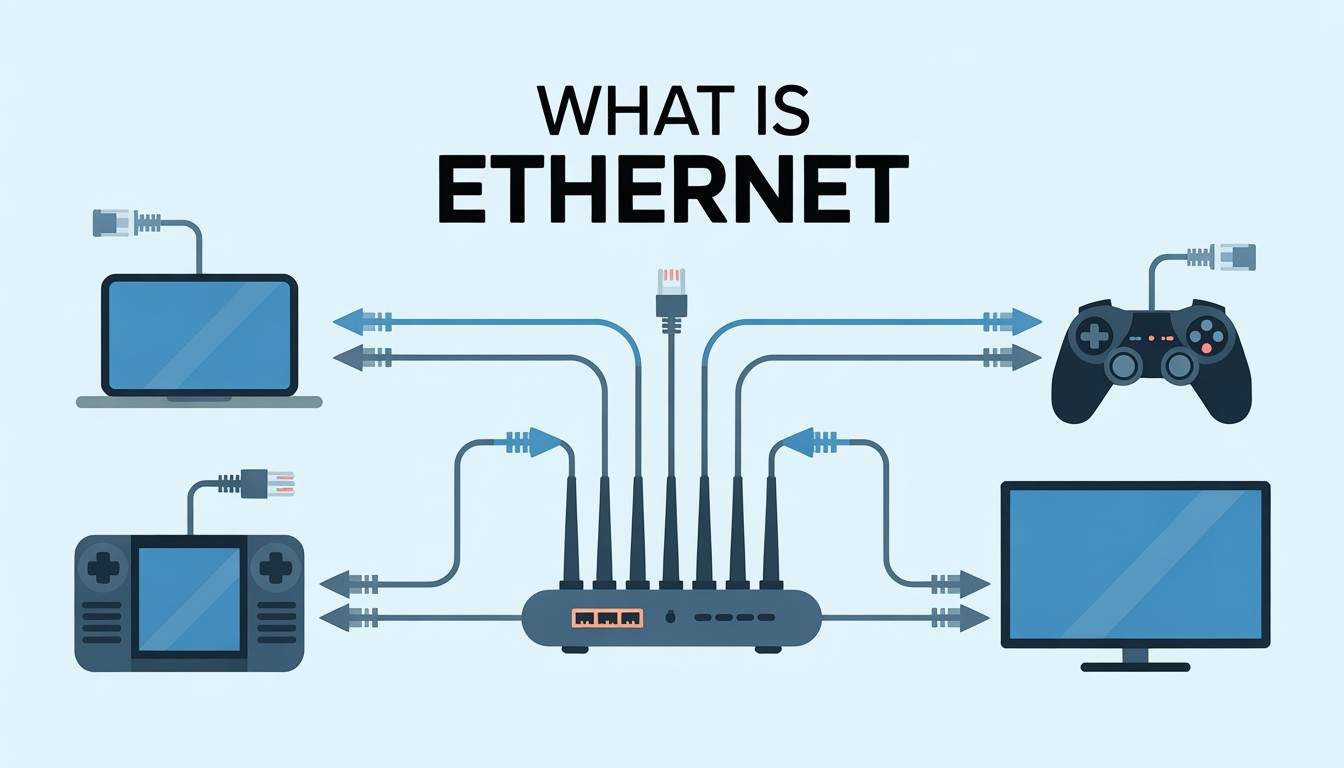
Ethernet is a wired networking technology that connects devices, computers, TVs, printers, routers, gaming consoles—to a local area network (LAN) using a physical cable. It has been the backbone of wired internet connections since the 1970s, when Robert Metcalfe developed it at Xerox PARC.
The name sounds technical, but the idea is straightforward. Instead of sending data through the air like Wi-Fi, Ethernet sends it through a cable. That cable plugs into a port on your device, which is the rectangular slot that looks like a wide phone jack, officially called an RJ-45 port. It connects directly to your router or network switch.
The most common types of Ethernet cables you’ll find today are Cat5e, Cat6, and Cat6a. Each generation supports faster speeds and better protection against interference. For most home users, Cat6 is the ideal choice. It supports up to 10 Gbps over shorter distances and is widely available and affordable.
When you plug an Ethernet cable into your computer and your router, you create a direct, private channel for data to travel. Your computer and the router communicate using the Ethernet protocol, a set of rules that determines how data is packaged, sent, and received in small units called frames.
Each device on an Ethernet network has a unique identifier called a MAC (Media Access Control) address. Think of it as a permanent mailing address printed directly on your network card. When data leaves your computer and heads to a website, it travels through the cable to your router, which forwards it to the internet. The response comes back the same way.
“Ethernet doesn’t compete with Wi-Fi for airspace. It has its own private lane, and that’s what makes it reliable. “
Unlike Wi-Fi, which broadcasts signals in all directions and gets congested when neighbors’ networks overlap, Ethernet is a point-to-point connection. The signal doesn’t wander. It goes where you direct it.
This is the question most people want answered. Here’s the honest breakdown:
Wi-Fi is convenient. You don’t need to run cables. You can use it from the couch, the kitchen, or the backyard. But convenience comes at a cost. Wireless signals are affected by walls, distance, interference from microwaves and other devices, and congestion from multiple users sharing the same channel.
Ethernet is consistent. What you see advertised is close to what you actually get. There are no dead zones. There is no signal degradation through thick walls. There are no slowdowns when everyone in the neighborhood logs in to Netflix at 8 PM.
For casual web browsing or streaming on a phone, Wi-Fi works well. It offers flexibility and convenience since one of the main pros and cons of the internet is that it provides wireless access anywhere within range. However, for tasks that need reliability, like video editing, online gaming, 4K streaming, cloud backups, and video calls while working from home, Ethernet is clearly the better option. Another key point about the pros and cons of the internet is the trade-off between mobility and stable, high-speed performance.
Some people think that Ethernet is outdated and going away. That is not true. While Wi-Fi 6 and Wi-Fi 7 have improved wireless speeds, they still don’t match the reliability of a wired connection in challenging situations. Data centers rely entirely on wired connections. So do hospitals and broadcast studios.
As more people work from home and bandwidth demand increases, Ethernet becomes even more important. Devices like smart TVs, security cameras, smart speakers, laptops, and phones compete for bandwidth on the same network. Moving just one or two high-usage devices to a wired connection can significantly enhance the wireless experience for everything else.
With Power over Ethernet (PoE) technology, cables now serve two purposes: they carry data and provide electrical power to devices like IP cameras, access points, and VoIP phones. One cable handles both tasks. That shows smart engineering.
Ethernet isn’t flashy. There’s no setup wizard, glowing LED ring, or app to download. It’s simply a cable. But that simplicity is what makes it so effective. In a world with crowded wireless signals and rising bandwidth needs, having a direct, dedicated connection without interference is a true benefit.
If your device is near a router or wall port, upgrading is easy with a $10 cable and five-second plug-in. For gamers, remote workers, streamers, and anyone who has ever gotten frustrated with a frozen video call, Ethernet is a worthwhile investment.
In most real-world situations, yes. Ethernet offers more consistent speeds and much lower latency compared to Wi-Fi. While modern Wi-Fi standards (Wi-Fi 6/6E/7) have reduced the speed gap, wired connections still outperform wireless in stability, especially in crowded environments with numerous devices connected.
Ethernet cables connect devices such as computers, gaming consoles, smart TVs, routers, and printers to a local network or the internet. They are commonly used in homes, offices, data centers, hospitals, schools, and anywhere reliable, high-speed wired networking is needed.
Ethernet won’t increase the speed limit of your internet plan, but it helps you reach the speeds you are paying for. Wi-Fi typically provides only 50–80% of your plan’s speed due to interference and signal loss. With Ethernet, you’re more likely to get close to the speeds advertised, especially for tasks like uploading files or streaming in high resolution.
Ethernet creates a direct connection using a physical cable, while Wi-Fi sends data wirelessly using radio waves. Ethernet is faster, more reliable, and more secure, but it limits your ability to move devices around. Wi-Fi is convenient and flexible but is impacted by interference, distance, and network congestion.
Yes. Most laptops still include an Ethernet port, or you can use a USB-C or USB-A-to-Ethernet adapter. For smartphones and tablets, USB-C-to-Ethernet adapters are available but less common. Connecting via Ethernet on a laptop is often the simplest and most effective upgrade for performance.

© 2025 Crivva - Hosted by Airy Hosting Managed Website Hosting.








