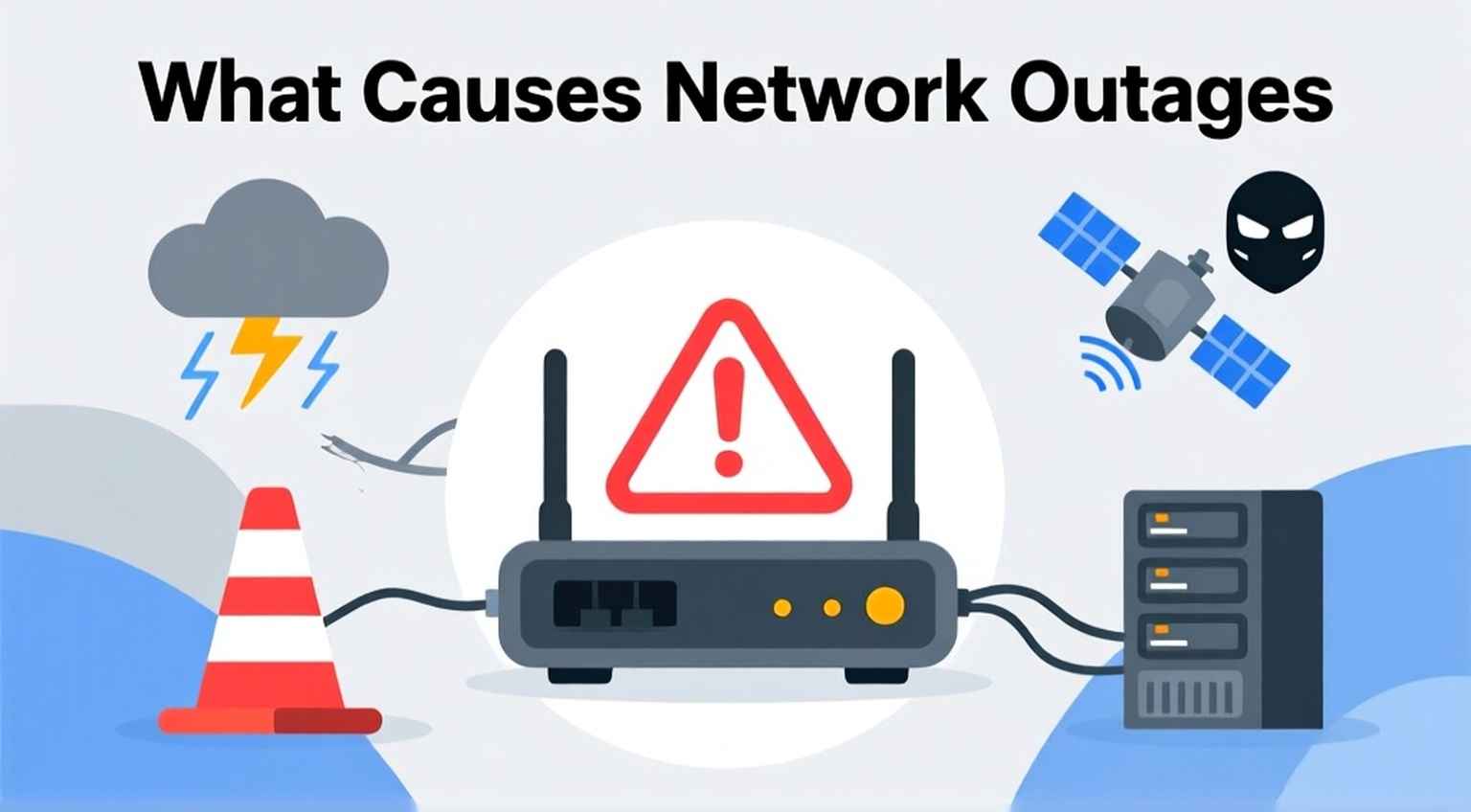
You’re in the middle of sending an important email, watching your favorite show, or in a virtual meeting when suddenly, the internet disappears. The connection drops, pages won’t load, and you’re left wondering if it’s your Wi-Fi, your device, or something larger.
That sudden disconnect is what we call a network outage, and it’s one of the most frustrating interruptions in today’s connected world. But what causes these outages, and more importantly, what can you do to fix them?
Let’s break it down in simple, practical terms so you understand what’s really going on when your internet goes down and how to get it back up and running quickly.
A network outage happens when internet service is interrupted, and devices can’t connect to the network. Think of it as a traffic jam on your data highway. The link between your device and your provider gets blocked, preventing information from moving back and forth.
These outages can affect a single home, an entire neighborhood, or even a large region, depending on the cause. They can last for minutes, hours, or in rare cases, days.
In short, a network outage is when your internet goes down due to a failure somewhere along the connection chain, from your device to your internet service provider (ISP).
Network outages can happen for many reasons, some of which you can control and some that you can’t. Here are the most common causes and what they mean for your connection.
Your modem, router, and cables are the heart of your home network. When one of these fails, your connection can drop immediately.
Sometimes the outage isn’t in your home; it’s on your provider’s end. Internet Service Providers often perform maintenance, experience server overloads, or encounter system errors.
Bad weather frequently causes outages, especially for rural and satellite connections.
Even if your ISP is fine, losing power at home cuts off your internet devices.
Too many people using the same network at once can cause slowdowns or total disconnections, similar to rush hour on the internet.
Routers and modems run on software that can become outdated or misconfigured, leading to lost connections.
In rare cases, cyberattacks like DDoS (Distributed Denial of Service) can cause widespread outages by overloading servers.
If your internet suddenly drops, don’t panic. Many outages can be fixed in just a few steps. Here’s what to do before calling your provider.
Start by testing multiple devices. If only one device can’t connect, the issue may be limited to that device’s settings or Wi-Fi adapter. If every device is offline, move to the next step.
Unplug your router and modem for 30 seconds, then plug them back in. This clears temporary glitches and refreshes the connection.
This simple step often works; consider it the “Ctrl + Alt + Delete” of internet troubleshooting.
Loose or damaged cables are easy to overlook, but they can instantly break your connection. Make sure every wire is properly connected and not frayed or bent.
Use your mobile data to visit your provider’s website or social media pages. Many ISPs now provide real-time outage maps or updates for affected areas.
Log in to your router’s admin dashboard (the IP is usually printed on the back of the router). Check for firmware updates; these often fix bugs that cause disconnections.
If you’re using Wi-Fi, physical obstacles like walls, appliances, or mirrors can weaken the signal. Move your router to a central, elevated spot in your home for better coverage.
If none of the above steps work, it’s time to call your ISP. They can run diagnostics and confirm if there’s a larger network issue or if something needs to be replaced.
You can’t prevent every outage, but you can reduce how often they happen. Here’s how:
We rely on the internet for almost everything, from remote work to streaming and smart home devices. When the connection fails, productivity and convenience take a hit.
Understanding what a network outage is, what causes it, and how to fix it not only saves time but also gives you control. You’ll troubleshoot better, avoid unnecessary stress, and stay connected when it matters.
Network outages are an inevitable part of our digital lives, but they don’t have to leave you helpless. Knowing how to identify the cause, perform basic fixes, and take preventive steps can make a big difference.
So next time your Wi-Fi goes down, don’t panic. Use these tips instead. With a little patience and the right tools, your connection will be back up in no time.
A network outage is a temporary loss of internet connectivity caused by hardware issues, ISP problems, weather, or power failures.
Minor outages might last a few minutes, while major ones (especially from storms or ISP maintenance) can last several hours.
Try using mobile data to check your provider’s outage page or social media. If others in your area are reporting issues, it’s likely widespread.
Yes. Older routers may struggle with modern bandwidth demands or security standards, leading to frequent disconnections.
If outages are common, contact your ISP for diagnostics, update your equipment, and consider upgrading to a reliable high-speed router for stable connectivity.

© 2025 Crivva - Hosted by Airy Hosting Managed Website Hosting.