

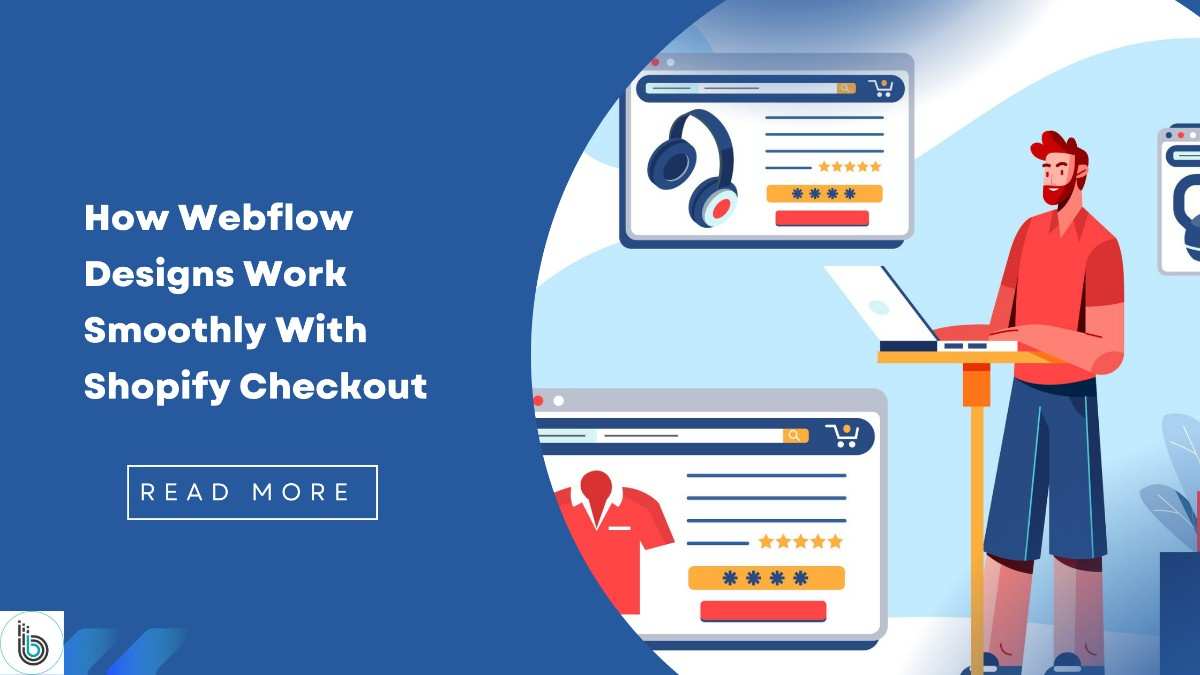
A smooth online buying experience depends on both design and function working together. Webflow gives complete creative control for your storefront design, while Shopify handles secure payments, product settings, and order management. When both platforms connect correctly, shoppers enjoy a clean and easy journey from browsing to checkout.
Many brands today want a store that looks custom but still runs on a dependable backend. That is why the Webflow-to-Shopify setup has become popular. It combines a visually rich layout with a safe, stable checkout system. This blog explains how Webflow designs integrate smoothly with Shopify checkout and why this combination works so well in practice.
Webflow is known for design freedom. It allows creative layouts, custom animations, banners, and product sections that match your brand style. Shopify, on the other hand, is known for trust and reliability during checkout. It manages products, payments, taxes, orders, and shipping without any extra setup.
Using Webflow to Shopify connects design with function. For many store owners, this mix feels natural because it gives:
Shoppers get a clean browsing experience on Webflow and a safe place to complete their purchase with Shopify checkout.
When setting up a Webflow storefront, everything customers see on the screen is controlled inside Webflow. This includes the landing pages, product pages, category pages, and other visual blocks. Once a shopper wants to make a purchase, the shop needs a safe way to collect payment. That is where the Shopify checkout comes in.
A Webflow page connects to a Shopify product by adding a Buy Button or a custom embed. When shoppers click this button, they move from the Webflow visual design to a secure Shopify payment page. This shift is smooth because Shopify checkout loads quickly and follows a clean and trusted flow.
The Webflow to Shopify link goes typically through three simple steps:
This combination keeps the storefront flexible and attractive while the checkout stays protected and compliant.
The first thing customers notice on any website is the design. Webflow helps businesses build pages that look modern and feel simple to navigate. Whether it is product sections, image grids, banners, or highlight blocks, Webflow gives control over every detail.
Webflow design supports:
This gives the shopper a pleasing experience before they even reach the checkout page. Webflow’s CMS also lets you organize product content smoothly. Although the final purchase does not happen in Webflow, the entire product journey starts here. For this reason, a well-designed Webflow storefront builds trust and guides customers naturally.
Shopify checkout is one of the safest and most tested systems in online commerce. It works in millions of stores worldwide and handles heavy traffic easily. When connecting Webflow to Shopify, the goal is to ensure customers never feel confused or worried during checkout. Shopify checkout handles:
Since Shopify has already handled all security rules and payment compliance, connecting Webflow to Shopify saves time and reduces complexity for the business owner.
When both platforms work together, each handles the part it is best at. Webflow handles the visual experience, and Shopify manages everything behind the scenes. This creates a balanced structure for the store.
Everything feels connected, even though two platforms are involved. The shopper only cares about the experience, not where each feature comes from. The Webflow-to-Shopify blend makes this possible.
There are several reasons why the combination feels natural and easy for shoppers. Both platforms are strong in different areas, and connecting them fills the gaps.
Webflow supports custom layouts that guide users from the product discovery stage to the purchase intent stage. The look and feel build confidence and clearly explains the product.
Shopify checkout is known for reliability and speed. Customers trust it because they have seen it in thousands of other stores.
The shift from Webflow to Shopify checkout happens quickly because the embedded checkout script is lightweight.
Shopify is better at handling product details, variations, and inventory updates. So the store remains accurate at all times.
You do not need heavy coding. Design changes happen inside Webflow, and business changes happen inside Shopify.
These points show why many growing brands choose this path.
To keep the experience clean, a few elements need to work well. These are simple but important details that help shoppers move easily from viewing to buying.
Buttons placed in visible spots improve the click-through flow. A clean CTA draws attention and tells customers exactly what to do.
Most buyers shop on their phone. Webflow layouts are naturally responsive, so the transition to Shopify checkout stays smooth.
Webflow pages load quickly, keeping customers engaged. When the checkout opens fast as well, the whole process feels effortless.
If the product page and checkout page look similar in terms of color or style, customers feel comfortable continuing the process.
Many brands choose Webflow over Shopify because it gives the best of both worlds. Owners gain complete creative freedom without sacrificing stability at checkout.
This means you can create a modern store without worrying about security and technical overhead.
The flow between the two should feel natural. These tips help keep the experience smooth.
Sharp images make the product page inviting and help customers feel confident.
If shoppers do not see the button, they may leave the page—placement matters.
Simple words tell customers what they are buying and reduce uncertainty.
Make sure every button works correctly and connects to the right Shopify product.
Tools like Shopyflow or Smootify help maintain accurate product details.
Customers care about two things: a beautiful shopping experience and a safe checkout. The Webflow-to-Shopify setup offers both. They enjoy browsing a creative design and feel secure when entering their payment details.
Shoppers often return when the process feels smooth. A pleasant journey builds trust and supports long-term growth for your store.
Connecting Webflow designs to Shopify checkout gives businesses the chance to create a custom storefront while relying on a strong e-commerce engine. Webflow handles the visual side and delivers a smooth, engaging layout for customers. Shopify takes care of payments, orders, and inventory, making the buying process safe and simple.
The Webflow to Shopify setup is becoming a preferred choice for brands that want a modern look with dependable performance. When done correctly, the entire journey from viewing a product to completing a purchase feels natural and smooth. For any business looking to build a strong online presence, this combination offers a clean and effective path.

© 2025 Crivva - Hosted by Airy Hosting Managed Website Hosting.