


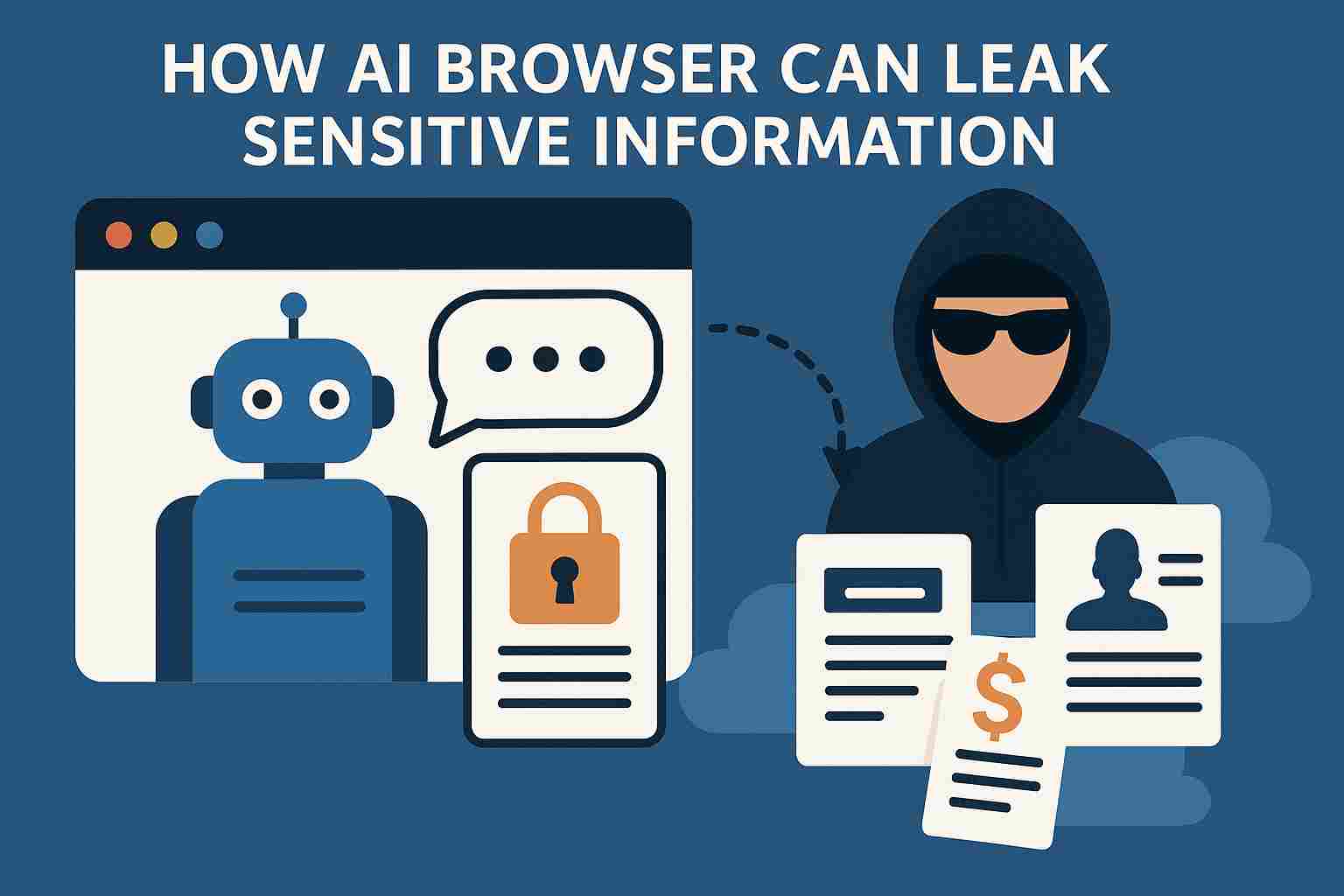
AI browser assistants are here—and they’re making our online life much easier. Whether it’s summarizing a long article, filling out forms, or even helping you draft an email, these assistants feel like a smart sidekick built into your browser. But while they offer serious convenience, they also come with serious risk: your most sensitive data might not stay safe.
In this article, we’ll explore how AI browser assistants work, why they are so useful, and how they can leak private information—sometimes without you even knowing. We’ll dig into real-world risks, how attackers can misuse these tools, and what you can do to protect yourself.
AI browser assistants are software agents integrated directly into web browsers. They use artificial intelligence—often powered by large language models or specialized algorithms—to assist you as you surf the web. They may:
Read and interpret web pages
Suggest replies or follow-up actions
Automatically fill in forms
Highlight important content
Provide real-time summaries
People love AI browser assistants because they feel magical. You no longer have to jump between tabs, search engines, and external tools. The assistant is always there — ready to help. This seamless integration means:
Faster web workflows
Reduced friction in tasks
Less manual typing or copying
Smarter, context-aware suggestions
Simply put, they make surfing, working, and browsing feel smoother.
Imagine reading a dense article on health insurance. An AI assistant can pop up to explain jargon, compare terms, or highlight key points—all in real time. This kind of contextual help is powerful.
Filling out your address, your email, or common form fields again and again? AI assistants can handle that for you. They predict what you want and take action—saving you time and effort.
With an AI browser assistant, you essentially get a built-in co-pilot:
Write faster: draft emails, blogs, or messages.
Research smarter: get bullet summaries, definitions, or deeper insights.
Navigate efficiently: let your assistant suggest relevant links or resources.
All of this feels like having a personal research assistant in your browser.
Sensitive information can cover a lot of ground. Here are some examples:
Login credentials (usernames, passwords)
Credit card details or financial data
Personal identity data (name, address, social security-type info)
Health data and medical forms
Private messages, chats, or emails
When an AI assistant interacts with a page, it may read or “see” these kinds of data.
AI browser assistants typically operate with deep context. They may have permission to:
Read the text of web pages
Parse form fields
Capture your writing or input
Monitor interactions like clicks or mouse movement
This broad access makes them powerful—but also risky.
Every time you navigate, scroll, or type, the AI assistant can observe your behavior. It learns how you browse, what you click, and how long you stay on certain pages. This behavioral data helps it make future suggestions, but it’s also highly sensitive.
To work fully, AI browser assistants often ask for advanced permissions: reading page content, interacting with form fields, or even modifying page structure. If you grant too many permissions, you could be exposing more than just non-sensitive text.
Where does the data go? Sometimes it’s sent to remote servers or the AI provider’s cloud to be processed. That means your information leaves your device. If encryption or security is weak, interception or abuse becomes possible.
If the assistant has more permission than needed, it can read sensitive input that you never intended it to handle. For example, it may record what you’re typing into a password field.
Assistants often log interaction history to improve over time. But if those logs are not secured well, they can be exposed, stolen, or mishandled.
When the assistant sends your data to a remote server, it may do so over insecure channels, especially if the browser or extension is poorly designed. That creates risk of interception.
Imagine you go to a website to download an APK. A hacker puts a secret piece of code into the download page, and the AI browser assistant, trying to be helpful, reads the entire page, including hidden script tags. The assistant then sends that content (unfiltered) to its cloud service to “inspect for malicious behavior,” but the attacker’s code includes commands to capture your typed credentials later. Because the AI sees everything and doesn’t distinguish between harmless HTML and hidden exploit code, it unknowingly leaks your credential-capturing payload to its backend. In short, your assistant helped deliver the attack.
The assistant has access to full page content, including hidden or injected code.
It might analyze page data externally (cloud).
It doesn’t always sanitize or filter what it processes.
The malicious actor exploits that trust to smuggle payloads in.
Attackers can craft phishing pages that look normal, but then use the browser’s AI to generate convincing prompts. When the assistant pops up, it might suggest entering your credentials or personal info, believing it’s helping you fill out a legitimate form.
AI assistants may offer to fill in forms automatically. But if the form is manipulated (for example, fields are renamed or hidden), you could be tricked into sharing sensitive information in ways you didn’t expect.
Some AI browser assistants are built as extensions. If a malicious or poorly reviewed extension gets added, it may deliberately or accidentally log everything you type or view.
If the assistant integrates with third-party AI services, your data may be shared across multiple vendors. That multiplies potential leak points and increases your risk exposure.
Over time, the assistant builds a detailed profile: what you read, what you write, what sites you visit, even what you ignore. That profile is gold for marketers—but risky if exposed.
Even “anonymized” data can become risky. With persistent tracking, it’s possible to re-identify you, especially when combined with other data sources. Your browsing habits become part of your digital fingerprint.
If your login credentials or financial data get exposed, attackers can impersonate you, drain accounts, or commit fraud.
Leaked personal messages or private browsing habits can be misused for blackmail, defamation, or public embarrassment.
If the AI assistant’s provider mishandles data, it could violate privacy laws (like GDPR or CCPA), or your own data might be mishandled in ways that lead to lawsuits or regulatory scrutiny.
Check what permissions your AI browser assistant has. Regularly audit them. Use browser tools to review what the assistant can access.
Use developer tools or third-party monitoring to see what data the assistant sends over the network. Unusual or large outbound traffic may be a red flag.
If your assistant starts suggesting weird forms, asking for unusual input, or behaves in unexpected ways, that could indicate a compromise or data misuse.
Grant only the minimum permissions required for the assistant to function. Reject or disable unnecessary access (like full-page reading, if not needed).
Make sure communication between the assistant and its backend is encrypted (e.g., uses TLS). If possible, choose on-device AI assistants that don’t send data to the cloud.
Opt for browsers or assistants that explicitly support privacy features: data minimization, opt-out for logging, local processing, and strong user controls.
AI browser assistants deliver a powerful mix of convenience and intelligence. They can read pages, auto-fill forms, summarize content, and speed up your entire web experience. But that same power makes them a potential threat: they might have access to your most sensitive data, and if misused or exploited, they can leak it.
1. Can an AI browser assistant see my passwords?
Yes—if it has broad permissions to read form fields, it might access password inputs. Always limit permission and only use assistants you trust.
2. Does data processed by AI assistants always stay on my device?
Not always. Many assistants send data to the cloud for analysis. But there are on-device models that keep processing local to your device.
3. How can I check what my AI assistant is sending over the network?
You can use your browser’s developer tools, network monitor extensions, or operating-system level network analysis tools to inspect outgoing traffic.
4. Are all AI browser assistants risky?
No — risk depends on how they’re built, what permissions they request, and how they handle data. Carefully choosing and configuring an assistant reduces risk.

© 2025 Crivva - Hosted by Airy Hosting Managed Website Hosting.








