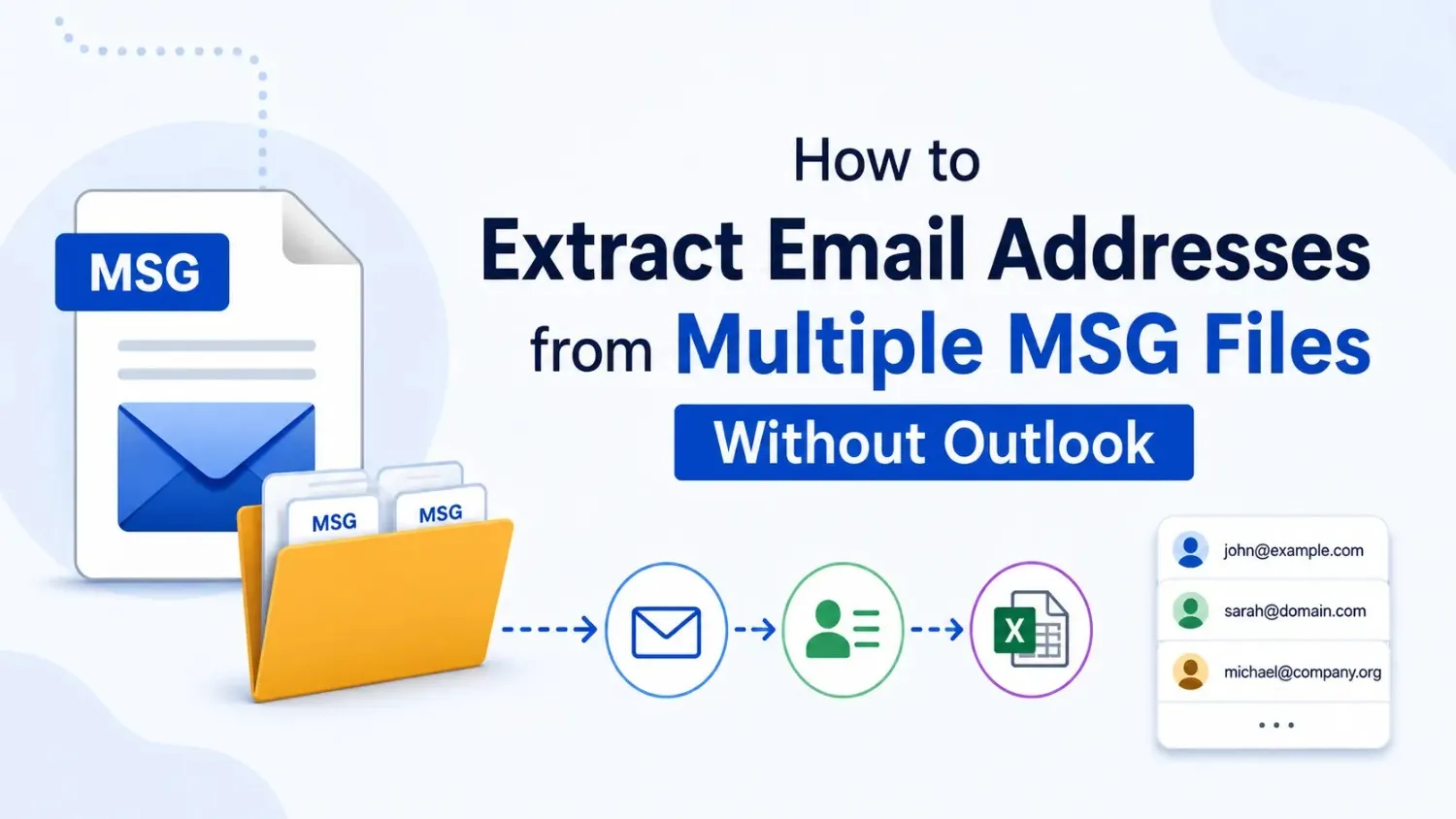


If you’ve saved hundreds or even thousands of Outlook emails as MSG files, there may come a time when you need to collect email addresses from them. This often happens during email migrations, client database updates, legal reviews, internal audits, or marketing list verification. The challenge is that Outlook MSG files are individual email files, making it difficult to gather sender and recipient addresses manually.
In this guide, you’ll learn how to Extract Email Addresses from Multiple MSG Files without installing Microsoft Outlook. We’ll also discuss manual methods, their limitations, and a much easier approach for handling large email collections efficiently.
There are many real-world situations where extracting email addresses from MSG files becomes necessary. Organizations, legal teams, IT administrators, and even individual users often work with archived Outlook emails that need to be searched or analyzed.
Some common situations include:
Instead of opening every MSG file individually, most users prefer a faster and more organized method that saves both time and effort.
Yes. Microsoft Outlook is not required if your goal is only to collect email addresses stored inside MSG files.
An MSG file stores much more than just the email body. It also contains valuable metadata, including:
Although Outlook is the default application for opening MSG files, several methods can read MSG metadata directly without requiring Outlook installation. This is especially useful when Outlook is unavailable or when you’re processing hundreds of archived email files.
The simplest approach is manually opening every MSG file and copying the required email addresses.
You’ll need to:
This method works if you only have a few email files.
However, once your archive grows to hundreds or thousands of MSG files, manually extracting email addresses becomes extremely slow. Besides taking hours of work, there’s also a higher chance of missing addresses or introducing copy-and-paste mistakes.
If Microsoft Outlook is installed, another option is importing all MSG files into Outlook folders and then collecting addresses from there.
While this reduces repetitive work, it still has several limitations.
For occasional users, this method may be acceptable. For organizations dealing with large email archives, it quickly becomes inefficient.
Extracting addresses from archived Outlook emails involves more than simply copying text. Large collections often contain duplicate contacts, multiple recipients, forwarded messages, and hidden recipients.
Common challenges include:
Without proper filtering, users often spend more time cleaning the extracted list than actually collecting it.
If you’re regularly working with thousands of standalone MSG files, using a dedicated extraction utility is usually the most practical approach.
For example, the SysTools Outlook Email Address Extractor can scan multiple MSG files and automatically collect sender and recipient email addresses without requiring Microsoft Outlook. The utility organizes extracted addresses into a structured output, making them easier to review, filter, and export whenever needed.
Instead of opening every email manually, users can process large archives much faster while reducing human errors. This becomes particularly useful for legal teams, administrators, investigators, and businesses that regularly manage archived Outlook emails.
Before starting the extraction process, following a few simple best practices can save time and prevent unnecessary problems later.
These simple precautions help maintain data integrity while making future searches much easier.
Many users unknowingly create extra work by following inefficient methods.
Try to avoid these common mistakes:
A little planning before extraction can save hours of cleanup afterward.
Extracting email addresses from MSG files is valuable in many business and professional situations.
In all these situations, having sender and recipient information available in one organized list significantly improves productivity.
Learning how to Extract Email Addresses from Multiple MSG Files can save significant time when working with archived Outlook emails. Manual methods may work for a handful of files, but they quickly become impractical as the archive grows larger.
Using an organized workflow, avoiding duplicate work, and selecting the right extraction approach helps ensure accurate results. For users who regularly manage standalone MSG files, solutions such as the SysTools Outlook Email Address Extractor provide a practical way to collect sender and recipient information without relying on Microsoft Outlook. The result is a faster, more accurate, and far less stressful workflow when handling large Outlook email archives.

© 2025 Crivva - Hosted by Airy Hosting Managed Website Hosting.