

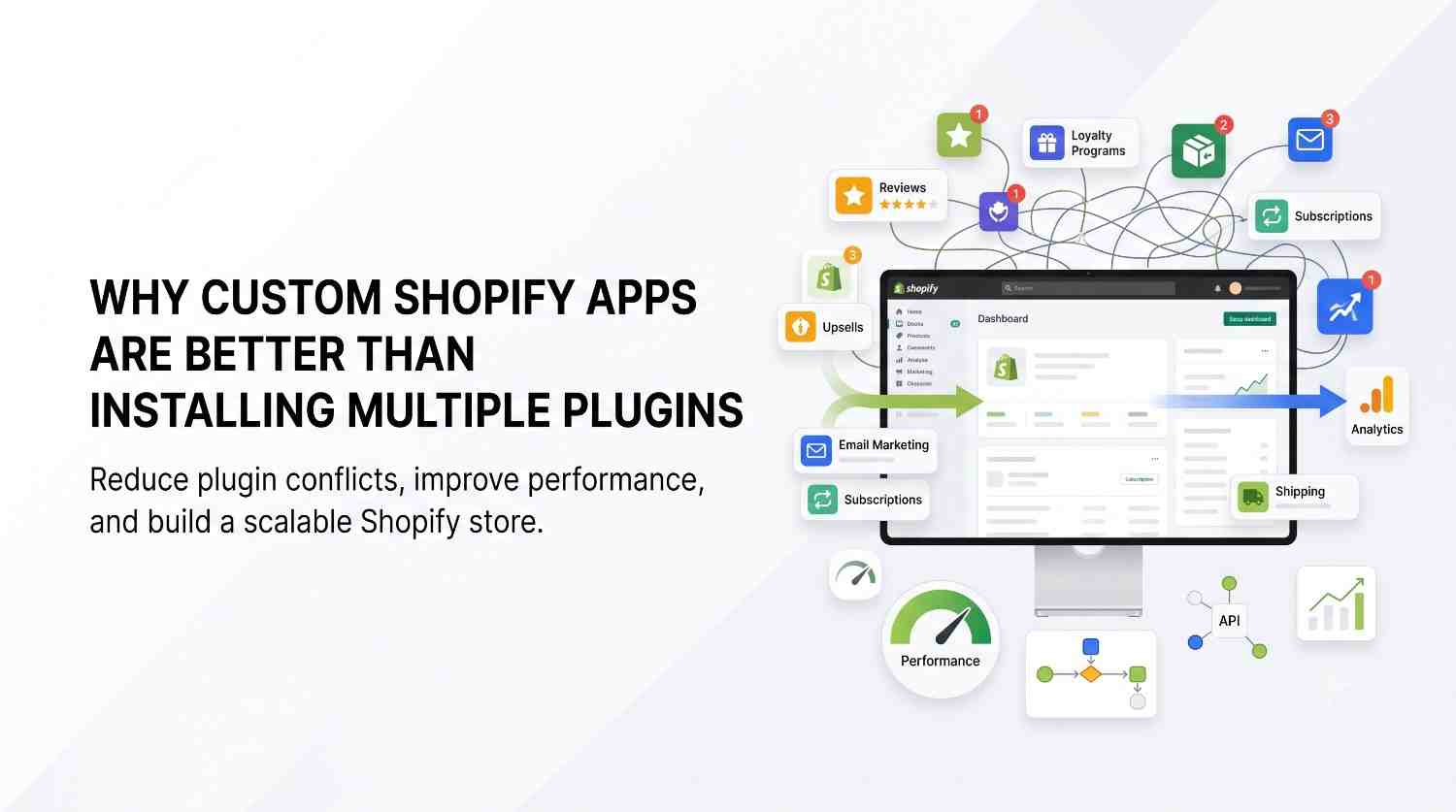
Your Shopify store started simple. Then you added an app for reviews. Another for upsells. One for inventory syncing, one for loyalty points, one for that “just in case” feature you needed once.
Now your admin panel looks like a junk drawer, your page speed has quietly dropped, and half these apps are talking to each other in ways you don’t fully understand anymore. Plenty of store owners hit this exact wall before ever looking into this resource on custom Shopify app development, which is usually the point where the plugin approach stops scaling.
This isn’t a rare situation. It’s what happens to almost every growing Shopify store, and it’s worth understanding why it happens before deciding what to do about it.
Shopify’s app ecosystem is one of its biggest strengths. Need a feature? There’s probably an app for it, installed in minutes, no developer required.
That convenience is exactly why app overload happens so easily. Each app solves one problem well, but nobody’s checking how it interacts with the other dozen apps already running on your store.
A few common patterns show up again and again:
None of this is anyone’s fault exactly. It’s just what happens when a store solves problems one plugin at a time instead of stepping back to look at the whole picture.
Here’s the part that catches a lot of store owners off guard: page speed isn’t just a technical detail. It affects conversion rates directly.
Every app you install adds its own script to your storefront. Some are lightweight. Others load heavier code than they need to, even when a customer never interacts with that feature.
Add up ten or fifteen apps, and you’ve got a store loading dozens of scripts before a customer even sees your first product. Slower load times, choppier interactions, and sometimes visible glitches when two apps try to modify the same part of the page.
There’s also a maintenance cost that’s easy to underestimate. When one app updates, it can break how it interacts with another. Troubleshooting turns into a guessing game of disabling apps one by one to find the conflict.
A custom app isn’t about replacing every plugin in principle. It’s about consolidating the specific features your business genuinely depends on into one piece of software built for your store, not a generic audience.
Instead of five apps roughly approximating what you need, a custom build does exactly what you need, with nothing extra loading in the background.
The practical benefits tend to show up in a few areas:
Performance. One well-built app typically loads lighter than several plugins trying to do overlapping jobs.
Control. You’re not waiting on a third-party developer’s roadmap to fix a bug or add a feature. Changes happen on your timeline.
Cost over time. Multiple monthly subscriptions add up. A one-time development cost can, in some cases, work out cheaper over a few years, though this depends heavily on how many apps you’re replacing.
Fewer conflicts. When one team builds one system, there’s no guesswork about whether two features are stepping on each other.
This isn’t a universal upgrade for every store, though. A shop running one or two simple, well-supported apps usually doesn’t need custom development. It’s the stores juggling six, eight, or ten apps with real conflicts where custom development starts to make financial sense.
Picture a mid-sized home goods store running four separate apps: one for a loyalty program, one for personalized product recommendations, one for subscription orders, and one for customer store credit.
Each app works fine on its own. Together, though, the loyalty app and the store credit app both try to apply discounts at checkout, occasionally causing double-discount errors that support has to manually fix.
A custom app built specifically for this store’s checkout logic could combine loyalty points, store credit, and subscription handling into one connected system, built to Shopify’s API standards rather than stitched together from four separate vendors. The result isn’t “fewer features”; it’s the same features without the friction of apps that were never designed to work together in the first place.
Custom development isn’t the right call for every store, and it’s worth being honest about that.
It tends to make sense when:
It usually doesn’t make sense when:
The decision comes down to scale and friction, not a blanket rule that custom is always better. A store with real plugin conflicts and rising costs has a different calculation than a store just getting started.
No. A custom app works alongside Shopify’s platform, adding specific functionality your business needs rather than replacing anything Shopify already handles well.
2. Is custom app development only for large stores?
Not exclusively, but it tends to make more financial sense once a store is dealing with several overlapping plugins rather than one or two simple tools.
3. Does a custom app mean fewer ongoing costs?
Often, yes, since it replaces multiple monthly subscriptions with one build. The upfront cost is higher, so the payoff depends on how many apps it’s consolidating and how long the store plans to use it.
4. Can a custom app be updated later as the business grows?
Yes. Unlike a third-party plugin, a custom app can be modified directly by whoever built it, without waiting on an outside vendor’s update schedule.

© 2025 Crivva - Hosted by Airy Hosting Managed Website Hosting.