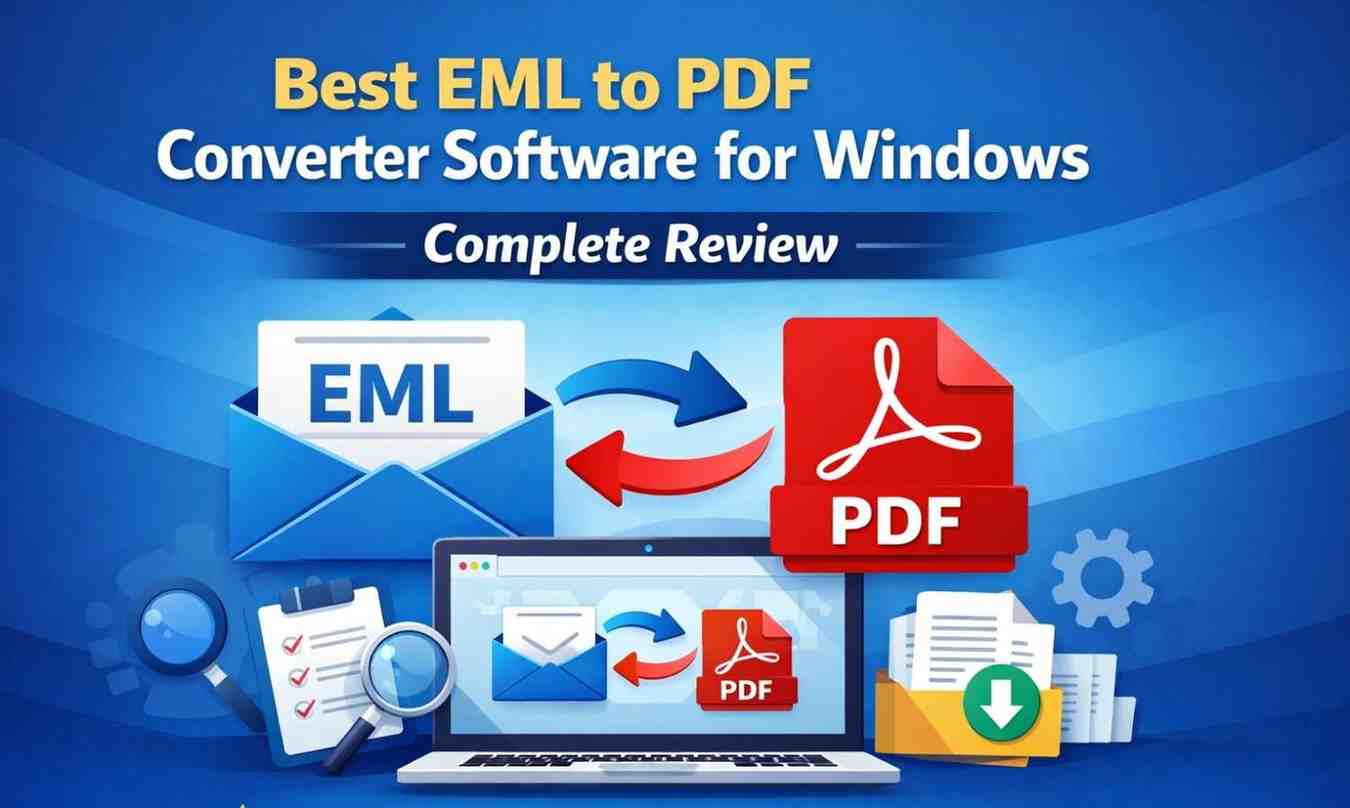
People often need to keep critical information from emails after they leave their email clients. But when users wish to save EML emails for later, share them with others, or keep them as formal records, it might be hard to manage them. This is where an EML to PDF converter comes in handy, especially for Windows users who get a lot of email.
This review is all about Softaken EML to PDF Converter. It looks at how the software works, what problems it solves and how it fits into real-world workflows without relying on marketing claims.
Softaken EML to PDF Converter is a Windows tool that changes EML files into PDF files. This software is for people who want to make it simple to open and manage their email data outside of email programs. The tool doesn’t work as an email client; instead, it only converts and organizes existing EML files.
Professionals that need to keep emails as part of their records, people who want to keep significant messages that deal with email data from diverse sources all use the software a lot.
EML files are tightly linked to certain email programs including Thunderbird, Windows Mail, and Apple Mail. These programs show EML files correctly, however problems happen when you need to get to emails on computers that don’t have those tools. When printing EML files or sharing them with those who don’t know how to use email file formats, users may also see formatting problems.
When users change EML files into PDF files, they get a format that is widely supported easy to read and good for long-term storage. The EML to PDF converter helps connect email conversations with retaining records on paper.
Keeping the original content is one of the most crucial parts of converting email. EML to PDF Converter makes sure that important parts of emails, such the sender and recipient information, subject lines, timestamps, and formatting of the message body, stay the same. This makes sure that the PDF that was made from the email is an exact copy of it.
It is very important for anyone who use emails as official records, such lawyers and administrative professionals to keep this information accurate. The converted PDF is a legible document that doesn’t change the meaning or structure of the original content.
Attachments in emails are often just as crucial as the content itself. The EML to PDF Converter works with EML files and their attachments, so users don’t lose any connected data during the conversion. This is especially true when emails have invoices, reports, pictures and other supporting materials.
Users can keep comprehensive records instead of dispersed data across folders by keeping email content and attachments linked during the conversion process.
It can be hard to convert emails one at a time when you have thousands and hundreds of EML files. The EML to PDF conversion tool can convert numerous emails at once, which is called batch conversion. This feature cuts down on a lot of the work and time needed to do the same things over and over.
Batch conversion is very helpful for IT managers, legal teams and companies that need to change whole email archives instead of just one message.
Folders are often used to keep email organized. Users can add folders with EML files to this converter instead of picking files one by one. This method keeps things organized during the conversion process and makes it easier to find converted PDF files later.
Folder-based processing helps those who manage long-term archives and email collections that are organized into categories work in a more organized way.
1. Open EML to PDF Converter on your computer.
2. Use the browse option to add an EML file and folder.
3. Pick PDF Format as the output format.
4. Choose the path where the files will be saved.
5. To start the process, click “Convert Now.”
A lot of people have trouble opening EML files on computers that don’t have email applications. Some people need emails in a format that is good for audits, legal proceedings and internal records. This application fixes these problems by converting emails into PDF format that are simple to open, print and save.
Another common issue is handling a lot of emails. Batch and folder-based conversion tools help users keep their email data organized and safe without having to do anything manually.
Emails are often part of official records in the workplace. Lawyers can move emails into PDF format to keep records for cases, while corporations can keep communications for compliance reasons. People can also utilize the application to keep essential personal emails like contracts and confirmations.
In each case, converting emails into PDF files makes them consistent and easy to retrieve in the long run.
The software is good for people who need to keep emails for a long time, share emails with people who don’t use email clients and keep email records for documentation. It is quite useful when dealing with a lot of EML files.
But people who just need to check their email for a short time and who only use one email client cannot need to convert their emails regularly.
The Softaken EML to PDF Converter makes it easier to export EML files into PDF on Windows computers. The application solves many of the problems that come with managing EML files by focusing on keeping content, handling attachments, batch processing and making it easy to use. This tool offers a useful and organized way to document and archive email for anyone who need to access email data outside of email apps.

© 2025 Crivva - Hosted by Airy Hosting Managed Website Hosting.